Practical technical documentation comparison workflow
Technical Writing Workflow: Compare Documentation Versions
Estimated reading time: 7 minutes
- Technical documentation comparison keeps accuracy and consistency across versions, especially for API and developer docs.
- Modern workflows pair traditional compare tools (Word, Acrobat) with version control like Git for a complete audit trail.
- API diff tools analyze specs (OpenAPI) to flag breaking changes and auto-generate changelogs.
- Docs-as-code treats docs like source code, enabling CI/CD, automated tests, and integrated review workflows.
- Choose tools based on format, team size, and whether docs are static or code-based.
- Why Technical Documentation Comparison Matters
- Traditional Document Comparison Tools
- Specialized Document Comparison Software
- Docs-as-Code and Version Control
- API Documentation Diff Tools
- Building an Effective Comparison Workflow
- Common Challenges and Practical Solutions
- Choosing the Right Tools for Your Team
- FAQ
Why Technical Documentation Comparison Matters
Every technical writer has been there — preparing for a release and asked, “what changed since the last version?” Without a repeatable comparison process you're forced to read pages manually. That's tedious, error-prone, and a poor use of expertise.
Documentation comparison systematically identifies differences between versions. For API and developer documentation, this is critical: a missed change to an API endpoint can break integrations and frustrate users. The value extends beyond spotting diffs — comparisons create an audit trail that records who changed what and when, which is essential for regulated industries and compliance audits.
Comparison workflows also improve collaboration: multiple authors can contribute and their changes can be merged systematically, avoiding file names like API_Docs_Final_v3_REAL_Final.docx. Reviewers focus on what's changed instead of re-reading unchanged material, making review cycles faster and more effective.
Audit trail and collaboration
A documented comparison process provides traceability and helps demonstrate compliance during audits. I've worked with healthcare tech teams where comparison records were decisive during regulatory reviews.
Traditional Document Comparison Tools
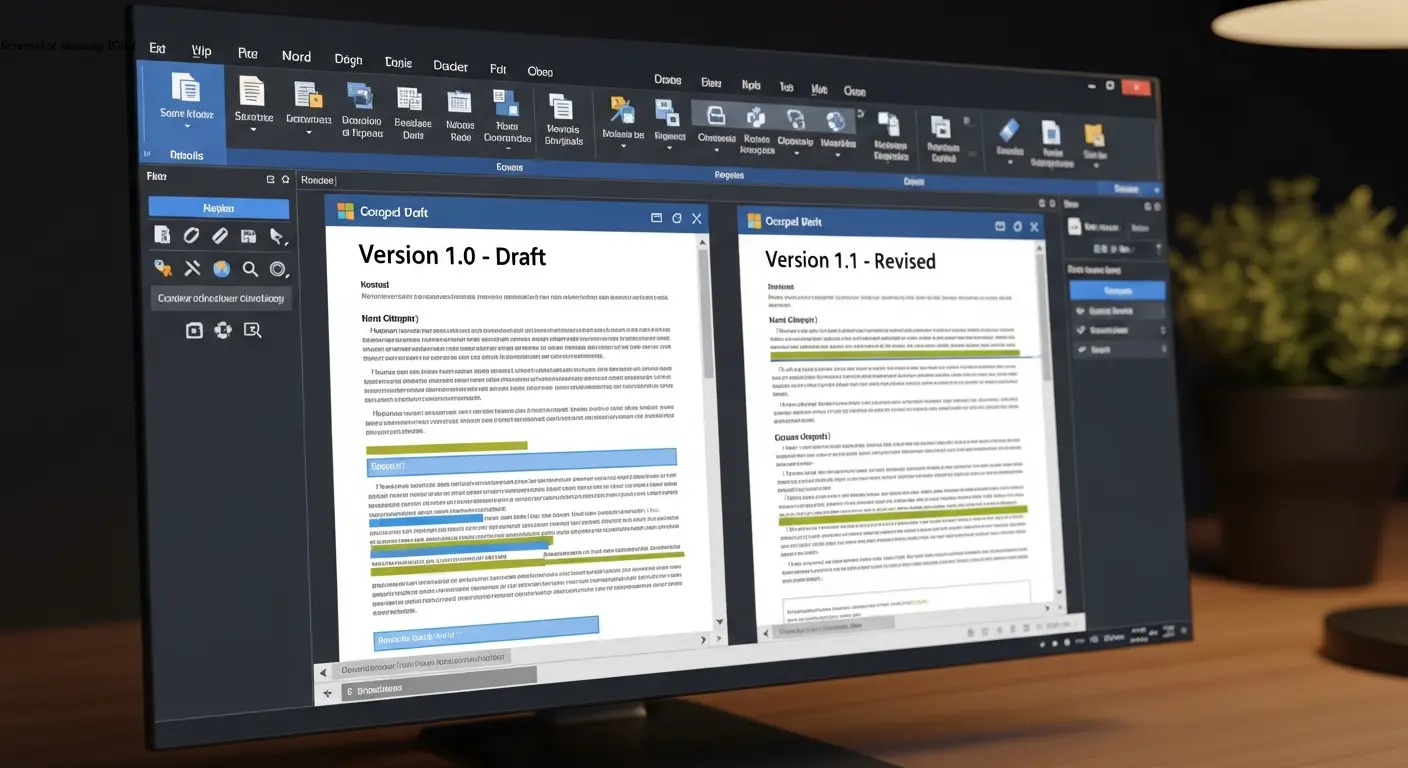
Microsoft Word's built-in Compare function remains useful for many traditional workflows. It highlights additions, deletions, and edits in color and tracks which author made each change. The Combine feature merges multiple versions into one document, which helps reconcile feedback from several subject-matter experts.
Adobe Acrobat's Compare Files works well for PDFs, highlighting visual and text differences between published versions — useful for stakeholders and compliance reporting.
Limitations
Traditional tools are effective for finished documents and formal reviews, but they have limits: they're designed for binary formats, don't integrate naturally with version control, and are hard to automate. For frequent comparisons or large doc sets you’ll likely need more automated solutions.
Specialized Document Comparison Software
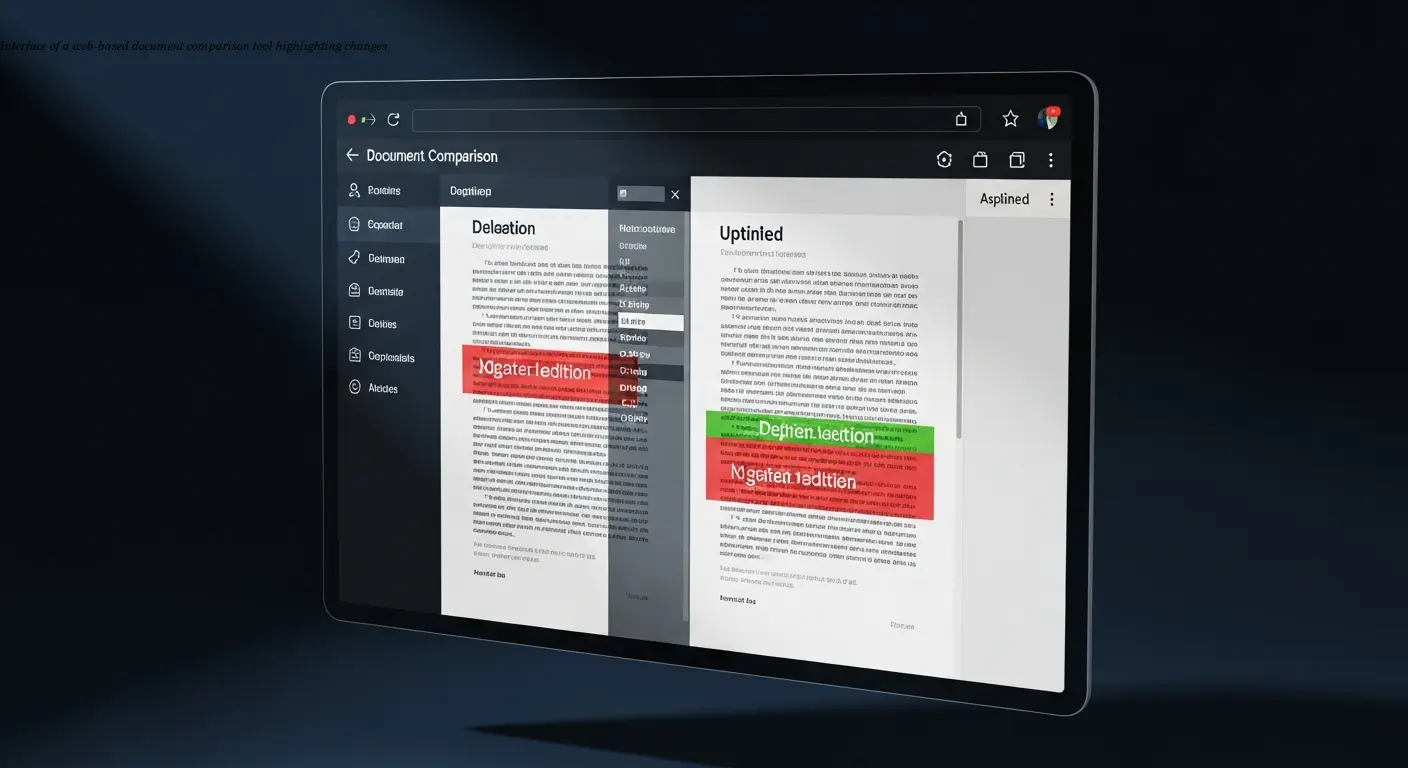
Purpose-built tools such as Draftable, airSlate Workflow, and Softinterface support many file formats (Word, PDF, Excel, PowerPoint, Markdown) and add features tailored to professional documentation workflows.
Key features
- Batch comparison: process folders of files at once — essential for release bundles with dozens of documents.
- Web-based access: reviewers can click a link to see changes without installing software, enabling easier collaboration.
- Advanced reporting: generate change reports for audits and quality records.
- Integrations: connect to cloud storage, project management, or CI/CD to automate comparisons and notifications.
These tools usually cost subscriptions, but for teams with heavy documentation workloads the efficiency gains typically justify the expense.
Docs-as-Code and Version Control
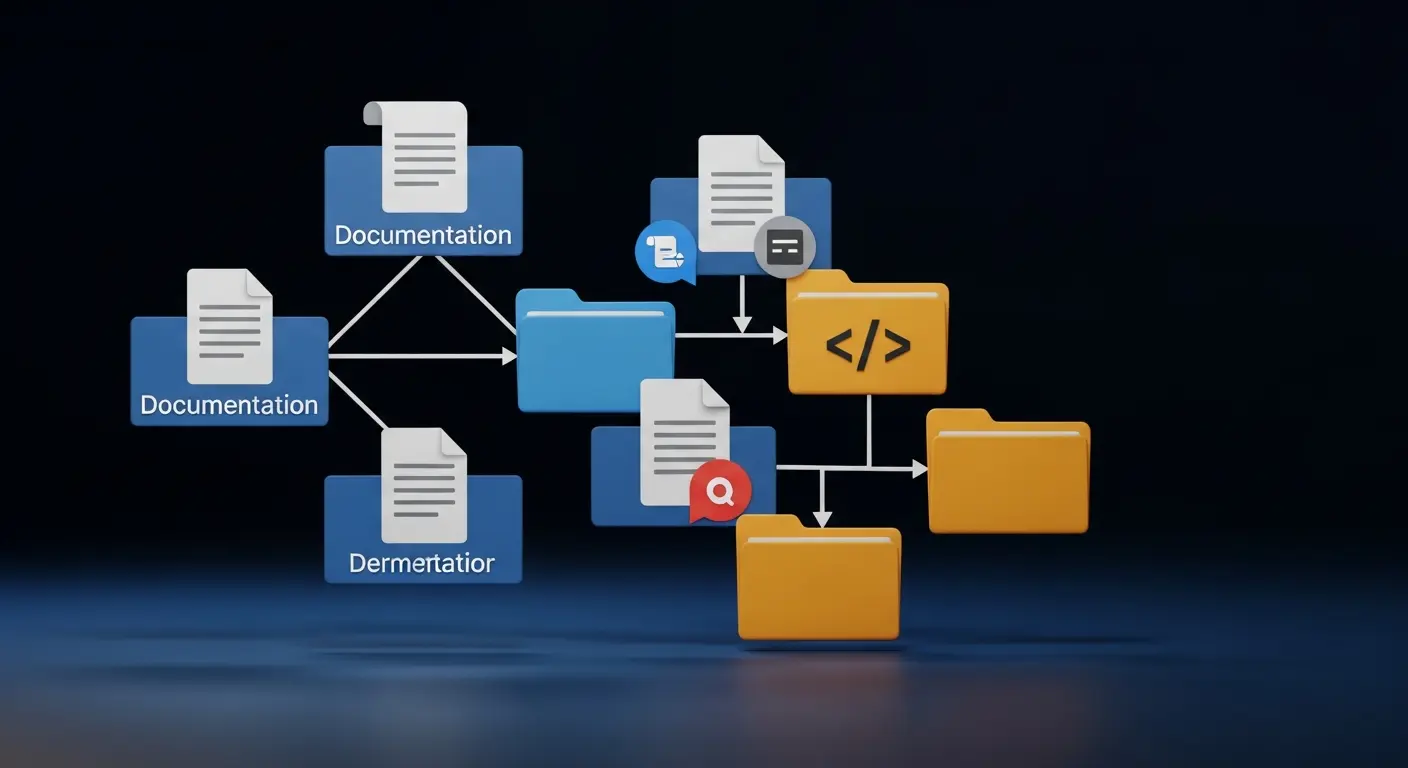
Docs-as-code stores documentation in version control systems like Git, often alongside source code. Documentation is written in plain-text formats such as Markdown or reStructuredText, which work naturally with Git's diff tools for line-by-line comparison.
Workflow advantages
- Commit history: every change is tracked with messages explaining why it happened.
- Branching and merging: create feature branches for docs, review changes, and resolve conflicts systematically.
- Pull requests: structured reviews where diffs, comments, and approvals are centralized.
- CI/CD: automatically build and deploy docs, run checks (broken links, examples, style), and reduce lag between code and docs.
Integration with development workflows is a major benefit: docs updates can be included in the same PR as code changes, keeping documentation synchronized with releases.
API Documentation Diff Tools
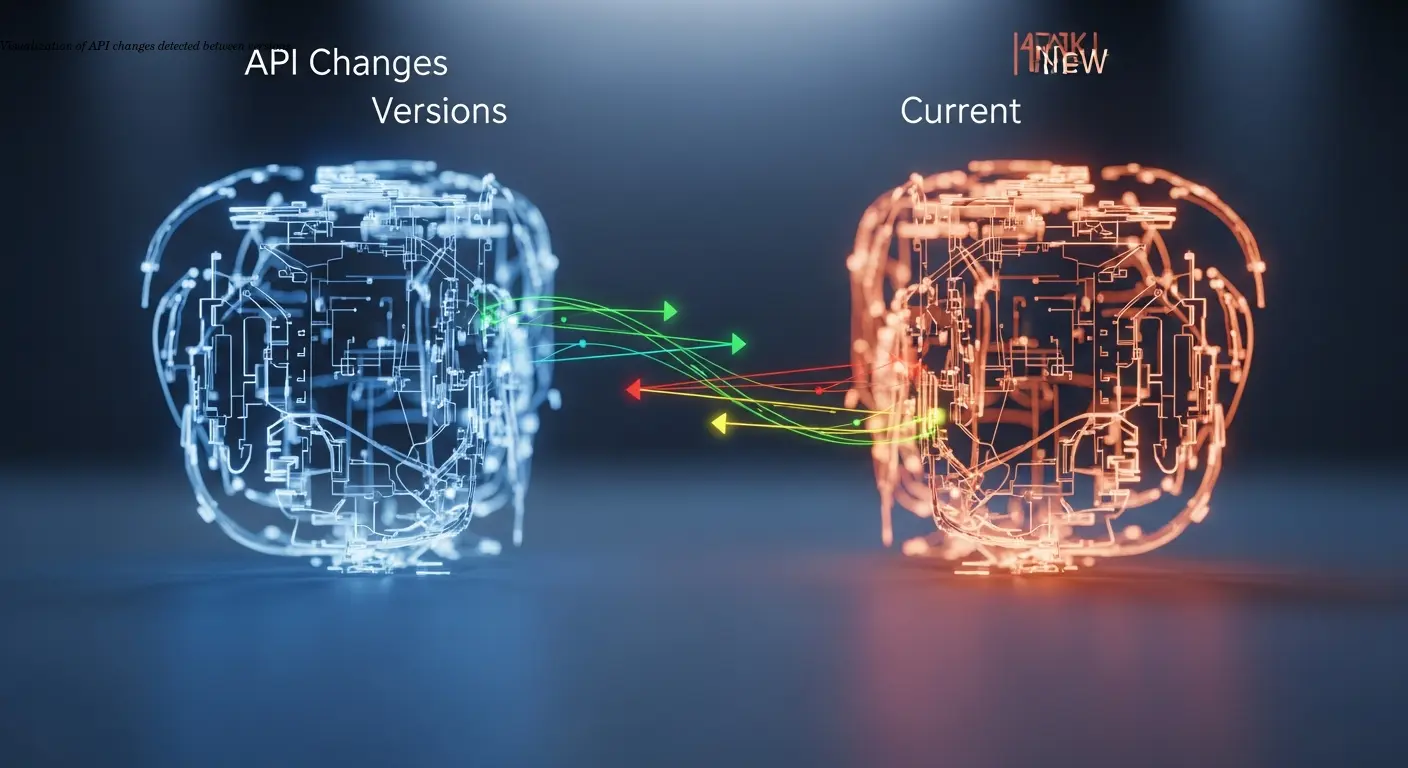
API documentation is tightly coupled to the technical contract between systems. Tools like Bump.sh, SwaggerHub, and Redocly analyze API specifications (OpenAPI/Swagger) rather than just rendered docs to detect differences and classify them as breaking or non-breaking.
Automated changelogs and CI integration
These tools can auto-generate detailed changelogs, identifying new endpoints, schema modifications, deprecated fields, and removed functionality. When integrated into CI/CD, they can notify technical writers automatically when the spec changes, creating a feedback loop that keeps everyone informed.
Because they examine structured schema data, API diff tools provide granular, actionable information useful for migration guides, SDK updates, and developer communications.
Building an Effective Comparison Workflow
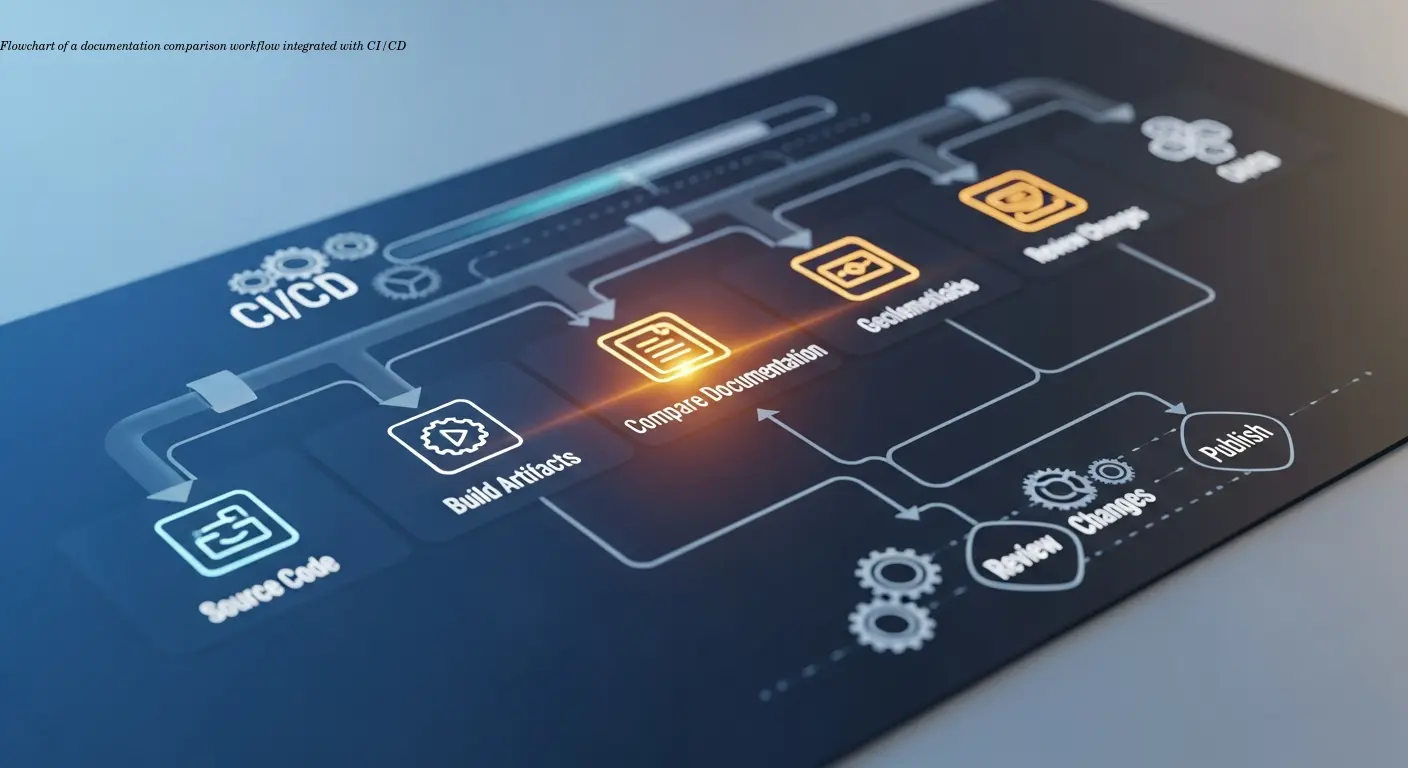
Decide when comparisons occur — during authoring, before reviews, after reviews, or as part of release prep. Most organizations benefit from comparisons at multiple stages rather than a single final check.
CI/CD and continuous validation
For API and developer docs, integrate comparisons into CI/CD so each pull request triggers automated diffs showing exactly what's changing. This surfaces inconsistencies early, when fixes are cheap.
Granularity and table-based comparisons
Configure comparison granularity to match your content. Table-based diffs are useful for structured reference docs (endpoints, parameters), while page- or section-level diffs often strike the right balance for large documents.
Common Challenges and Practical Solutions

Keeping docs synchronized with code is the most common challenge. The practical fix is to make documentation part of the definition of done for code changes — a feature isn't complete until docs are updated and reviewed.
Multiple formats and scale
Support for Word, PDF, Markdown, and other formats complicates comparisons. Standardize on fewer formats where possible and designate a single source of truth. For large doc sets, automate comparisons with batch tools or scripts that run Git diffs.
Conflicts and adoption
Use branching strategies and clear ownership to reduce merge conflicts. For teams new to docs-as-code, adopt gradually with training and pair-writing to transfer knowledge.
Choosing the Right Tools for Your Team
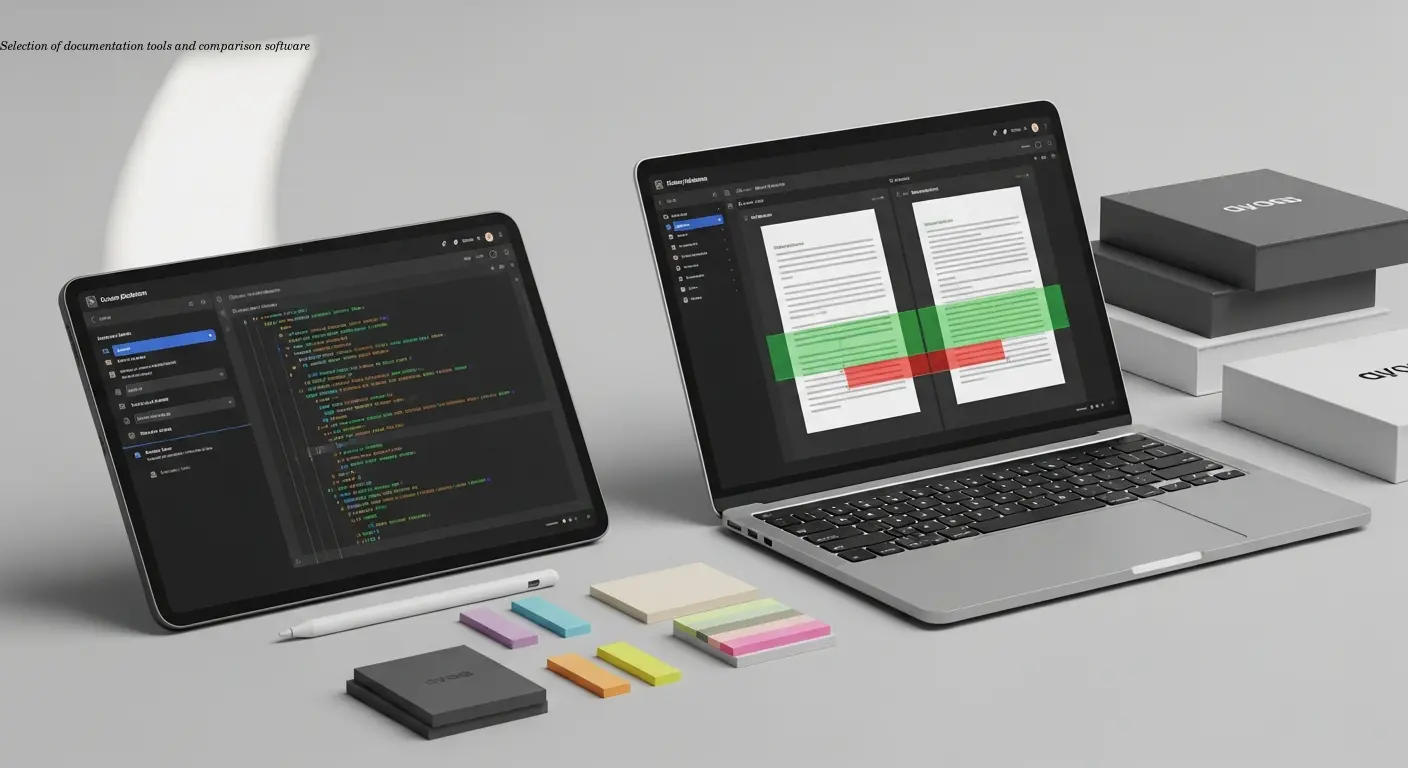
Tool choice depends on document format, team size, collaboration patterns, and budget. Small teams working with final documents often do well with Word/Acrobat compare. Teams maintaining API/developer docs usually benefit from docs-as-code and Git workflows.
Budget and ecosystem fit
Consider the existing tool ecosystem (Git, Microsoft 365) and weigh cost versus productivity gains. Often subscription costs for specialized tools are offset by hours saved and fewer release errors.
FAQ
What's the difference between comparing documents in Word versus using Git for documentation?
Word comparison works great for binary document formats and provides a visual interface that's familiar to most writers. Git excels with plain text formats like Markdown, integrates with development workflows, and provides comprehensive history tracking. For API and developer docs, Git-based workflows usually offer more advantages. For traditional technical documentation, Word's comparison features might be sufficient and easier to use.
How do API documentation diff tools detect breaking changes automatically?
These tools analyze the underlying API specification (like OpenAPI/Swagger files) rather than just the rendered documentation. They compare schema definitions, endpoints, parameters, and response structures between versions. Changes that could break existing integrations—like removing fields, changing required parameters, or deleting endpoints—get flagged as breaking changes. Non-breaking changes like adding optional fields or new endpoints are categorized separately.
Can I compare PDF documents effectively, or do I need the source files?
You can compare PDFs directly using tools like Adobe Acrobat's Compare Files feature or specialized PDF comparison software. These tools highlight visual differences and text changes without needing source files. However, the comparison quality is generally better when you have access to source formats because the tools can understand document structure rather than just analyzing rendered output.
How often should technical documentation be compared during a development cycle?
This depends on your release cadence and documentation complexity. For API docs tied to code releases, comparison should happen with every pull request and before each release. For user guides and other documentation, comparing versions during major reviews and before publication is typically sufficient. Teams using docs-as-code often compare continuously as part of their automated workflows.
What's the best way to handle comparison when multiple writers work on the same documentation?
Version control systems like Git handle this scenario well through branching, merging, and conflict resolution. Each writer works in their own branch, and changes are merged systematically with clear visibility into who changed what. For teams using traditional tools like Word, the Combine Documents feature can merge contributions from multiple authors, though this requires more manual coordination than Git-based workflows.
Do I need specialized tools for technical documentation comparison, or are free options sufficient?
Free options like Git for version control and built-in Word/Acrobat comparison features work well for many teams. Specialized tools become valuable when you need batch processing, advanced reporting, specific format support, or workflow integrations. Start with free tools and upgrade if you find limitations that genuinely impact your productivity. The number of comparisons you're doing and the complexity of your documentation should guide this decision.
Related Articles
Building an Autonomous AI News Agent with n8n & Bright Data (Part 1)
Learn how to build an autonomous AI-powered news scraper using n8n and Bright Data. Part 1 covers the Ingestion Engine architecture for 24/7 market monitoring.
Practical content migration guide for CMS comparison
Practical content migration advice to compare old and new CMS, validate data integrity, and avoid SEO loss. Best practices for developers and content teams.

Collaborative Writing Guide to Comparing Team Contributions
Compare team contributions with collaborative writing tools, clear roles, and peer assessment—practical tactics content teams can apply now.