
Multilingual Content Management Guide for Localization
Multilingual Content Management: Compare Text Across Languages
Estimated reading time: 12 minutes
- Multilingual content management requires robust tools to create, store, and compare translations across different languages while maintaining consistency.
- Multilingual text comparison features help identify discrepancies and synchronize updates across locales.
- Localization goes beyond translation — it adapts cultural references, formats, and messaging for each market.
- Combine machine translation with human review to balance speed and quality.
- Platform choice should match content volume, technical skill, and scalability needs.
Understanding Multilingual Content Management Systems
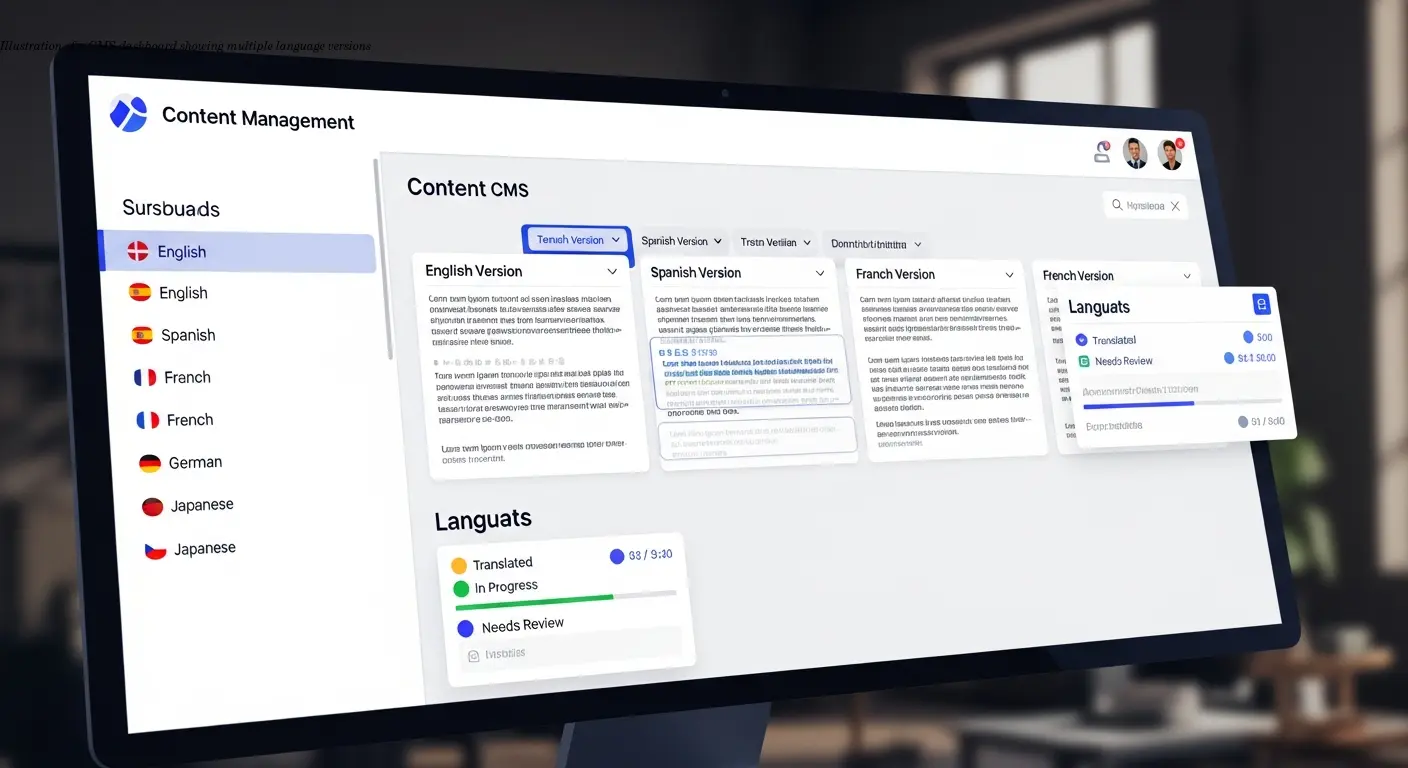
Multilingual content management forms the backbone of any serious international digital presence. At its core, this discipline involves creating, organizing, and maintaining content across multiple languages while ensuring each version stays accurate and culturally appropriate.
Platforms range from traditional CMS solutions like WordPress and Drupal to headless systems such as Contentful and Storyblok. Each offers distinct approaches to handling multilingual content, but they all share the same goal: making it easier for teams to manage content that must work across different languages and markets.
WordPress, Drupal, and Joomla
WordPress dominates due to flexibility and a large plugin ecosystem. Plugins like TranslatePress support manual and automated translation workflows and integrate with professional translators to simplify quality checks.
Drupal builds extensive multilingual capabilities into core, offering powerful workflows and taxonomy management for large organizations, albeit with a steeper learning curve.
Joomla provides a practical middle ground with built-in language management and a more approachable UX than Drupal while offering more native multilingual features than a vanilla WordPress setup.
Comparing Translations: Tools and Techniques
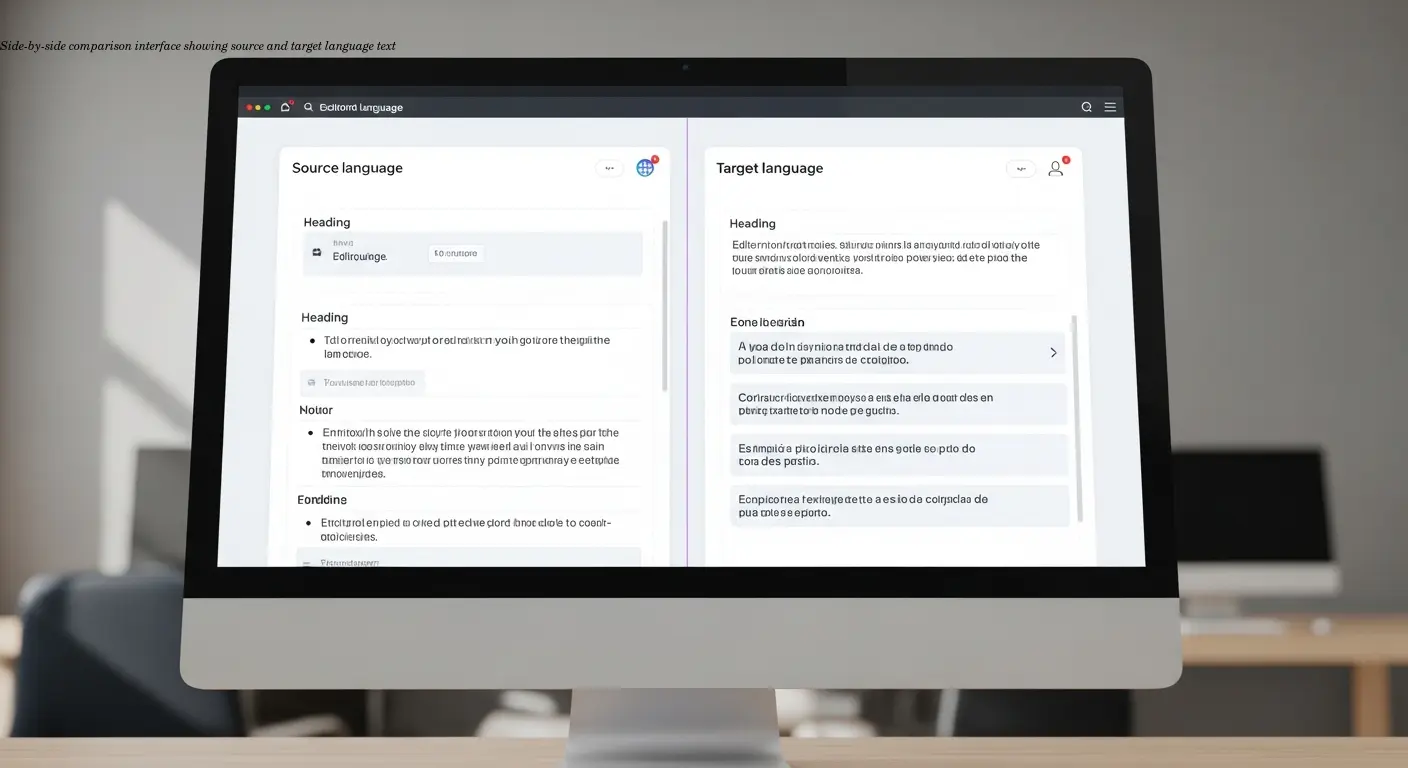
The ability to compare text across languages sits at the heart of effective multilingual content management. Without proper comparison tools, content versions drift apart over time, creating inconsistencies that confuse users and damage brand credibility.
Version control & translation memory
Version control tracks every change across languages, producing an audit trail that helps identify when discrepancies were introduced. Translation memory remembers previously translated segments and suggests reuse to speed work and maintain consistent terminology.
Content synchronization
Content synchronization is one of the trickiest aspects: when you update a primary language, you need systems that flag which translations require updates. Good multilingual CMSs mark outdated translations and route them through review workflows automatically.
Professional review workflows
Multi-stage approval processes ensure translations are checked for linguistic accuracy, cultural appropriateness, and brand voice. Native speakers or in-country reviewers often catch nuances automated systems miss.
I recall a team whose French-Canadian site used European French terminology — comparison tools exposed the mismatch before customers noticed.
Localization Tools That Integrate With Your Workflow

Localization tools increasingly integrate directly with CMSs to make translation a natural part of content creation rather than a separate process.
Headless CMS and API-first approach
Headless platforms like Storyblok and Contentful allow programmatic localization management through APIs, enabling automated comparison checks and serving different translations via the same endpoints based on user locale.
Enterprise platforms
Enterprise systems such as Adobe Experience Manager provide granular permissions, preview modes for side-by-side comparisons, and analytics for localized content — features suited to large organizations at a premium price.
Translation management systems
TMS solutions like Localazy, Crowdin, and Weglot excel at managing translation workflows: automated import/export, real-time syncing, collaborative interfaces, and side-by-side comparison views reduce tool switching for project managers.
Integration quality matters. Poor integrations cause friction — exports fail, updates don't sync, and workarounds slow down projects. Use free tiers and trials to test real workflows before committing.
Managing International Content Consistency
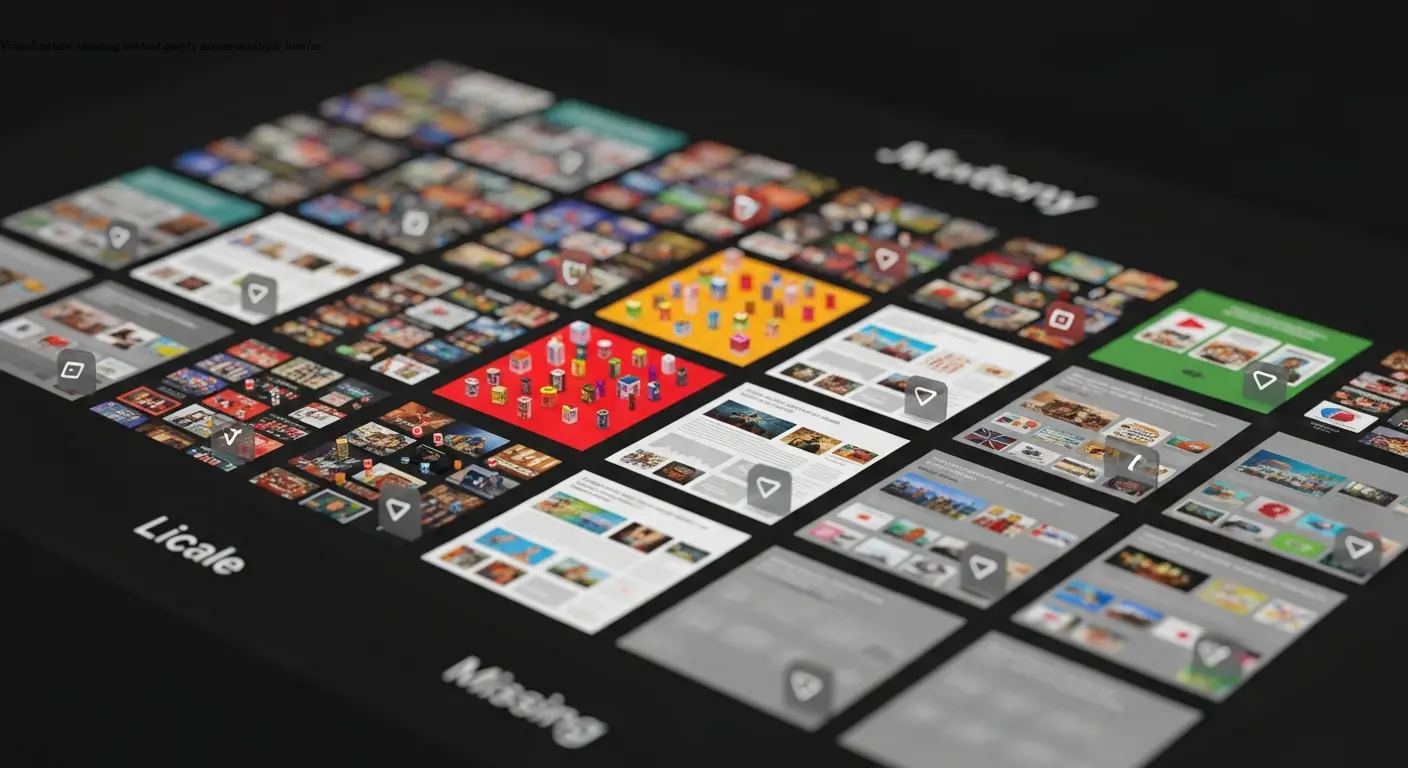
Consistency across language versions is a persistent challenge. Content evolves, and without active management different versions drift until they tell divergent stories.
Content parity & style guides
Content parity means ensuring the same information is available across languages. Style guides and glossaries define term translations and voice, and integrating these into your TMS helps flag deviations as translations are compared.
Locale customization
Localization must address dates, currencies, measurement units, and cultural references. Comparison tools that check only linguistic accuracy miss these elements — good platforms let you define locale-specific rules and verify compliance.
For large-scale sites, automated comparison tools are essential; successful platforms surface the most critical discrepancies first to avoid overwhelming teams.
SEO Considerations for Multilingual Sites
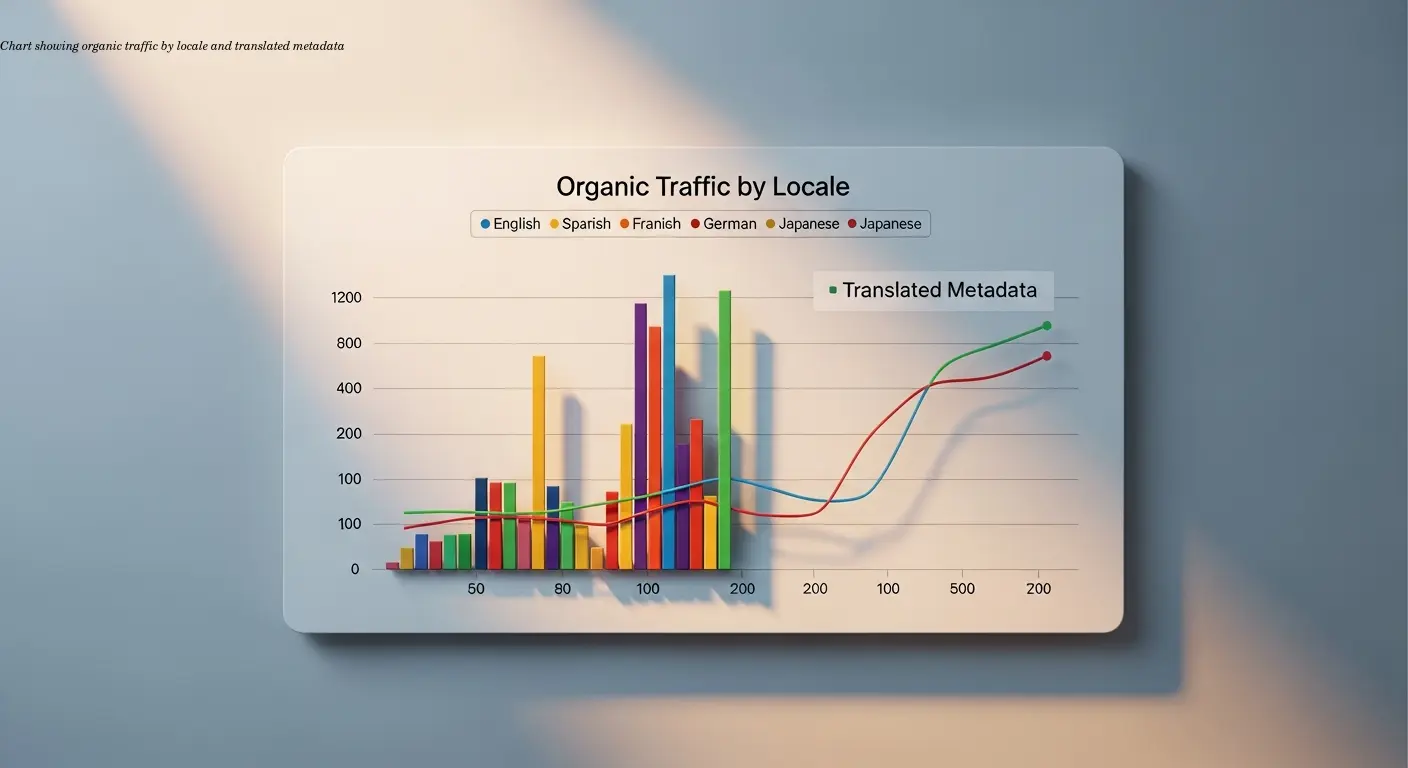
SEO adds complexity: each language version needs proper technical implementation and consistent SEO elements to perform in local search results.
Hreflang tags & URL structure
Hreflang tags indicate language relationships and prevent duplicate content issues. Decide on URL strategies (subdirectories, subdomains, or country domains) and ensure comparison tools account for structural differences.
Metadata translation & local keyword research
Translate page titles, meta descriptions, image alt text, and header tags. Local keyword research should guide translations so localized content targets search terms native speakers use.
I worked with an e-commerce client whose Spanish site failed to rank because category metadata wasn't translated — only product descriptions were. Systematic comparison of SEO elements would have caught this earlier.
Platform Selection: Matching Tools to Your Needs
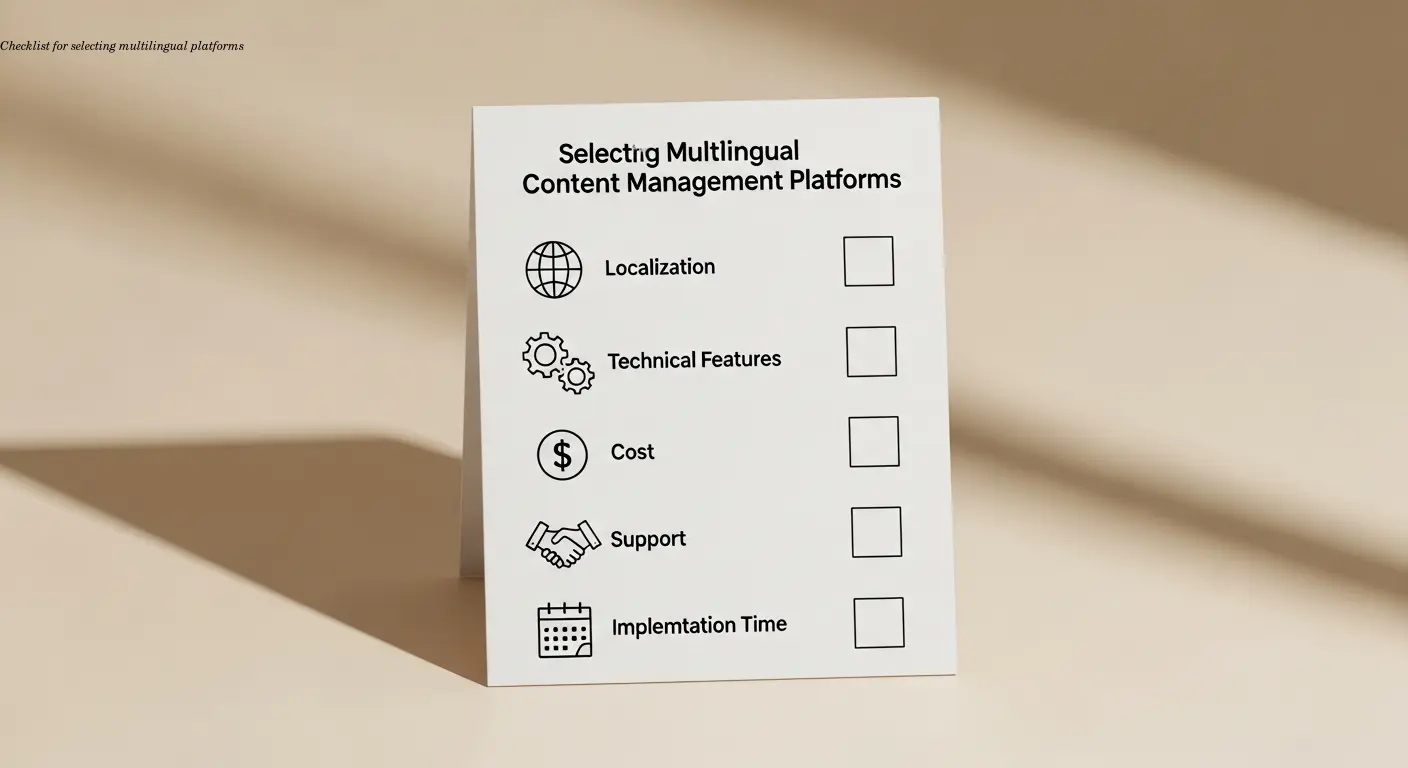
Choose a platform based on content volume, technical capabilities, and future scaling. WordPress with plugins suits small to medium projects; enterprise platforms like Adobe Experience Manager fit large, complex programs.
Consider technical skill within your team — Drupal's power requires experienced developers; headless CMSs need API work. Also calculate total cost of ownership including implementation, training, and maintenance.
Integration requirements with existing tools and scalability planning for multi-year growth are critical to avoid costly migrations later.
Workflow Automation and Human Review Balance
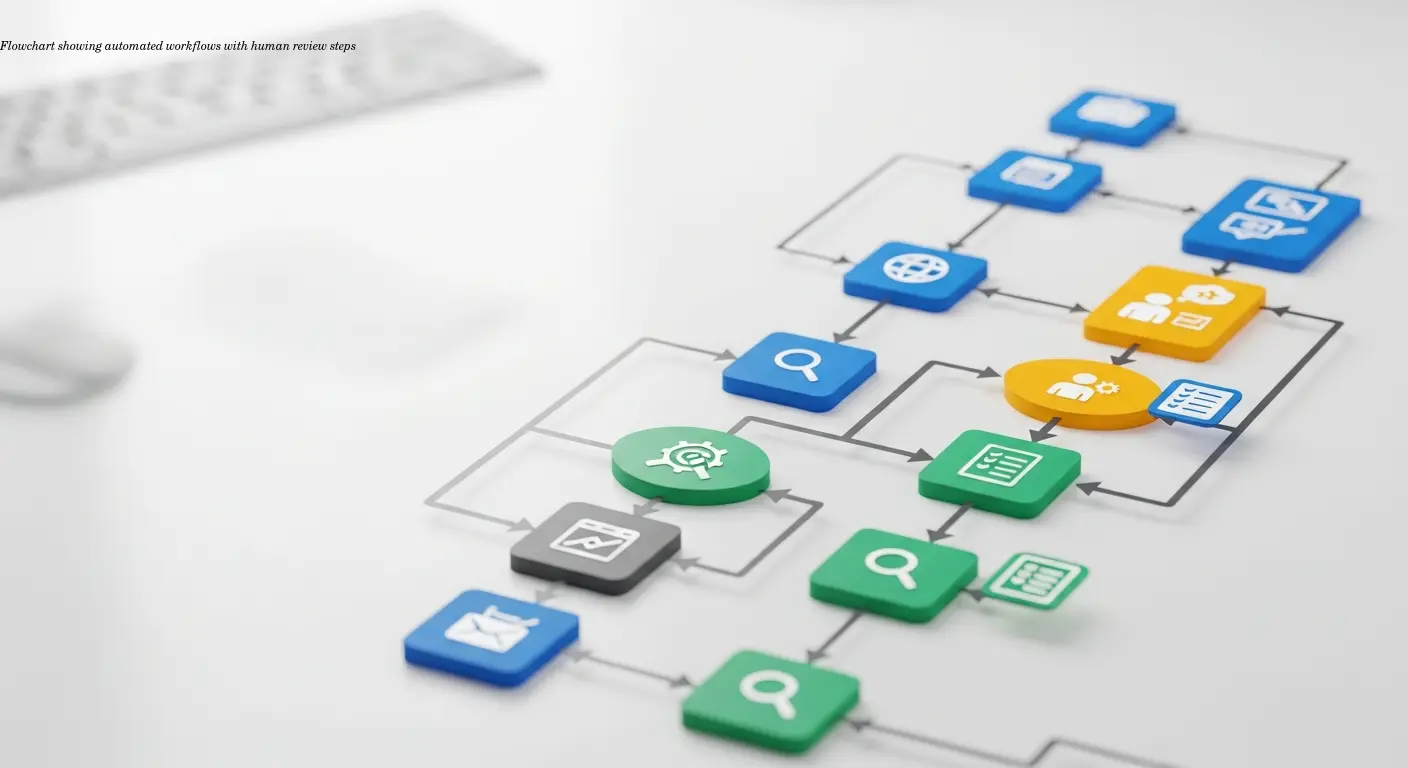
The most effective strategies blend automation with human expertise. Automation handles repetitive tasks — identifying changed content, routing updates, and suggesting translation memory matches — while humans handle nuance and cultural adaptation.
Automation strengths
Automation speeds workflows, enforces consistency, and frees translators to focus on creative work instead of repetitive tasks.
Machine translation vs human
Machine translation is useful for technical docs and internal content. Marketing and brand messaging require human translators and cultural reviewers to preserve tone and effectiveness.
Review processes
Multi-tier reviews — linguistic, cultural, and brand checks — catch different error types. Comparison tools should allow reviewers to see source and target side-by-side and prevent publication until approvals are complete.
Real-World Implementation: Lessons From the Field
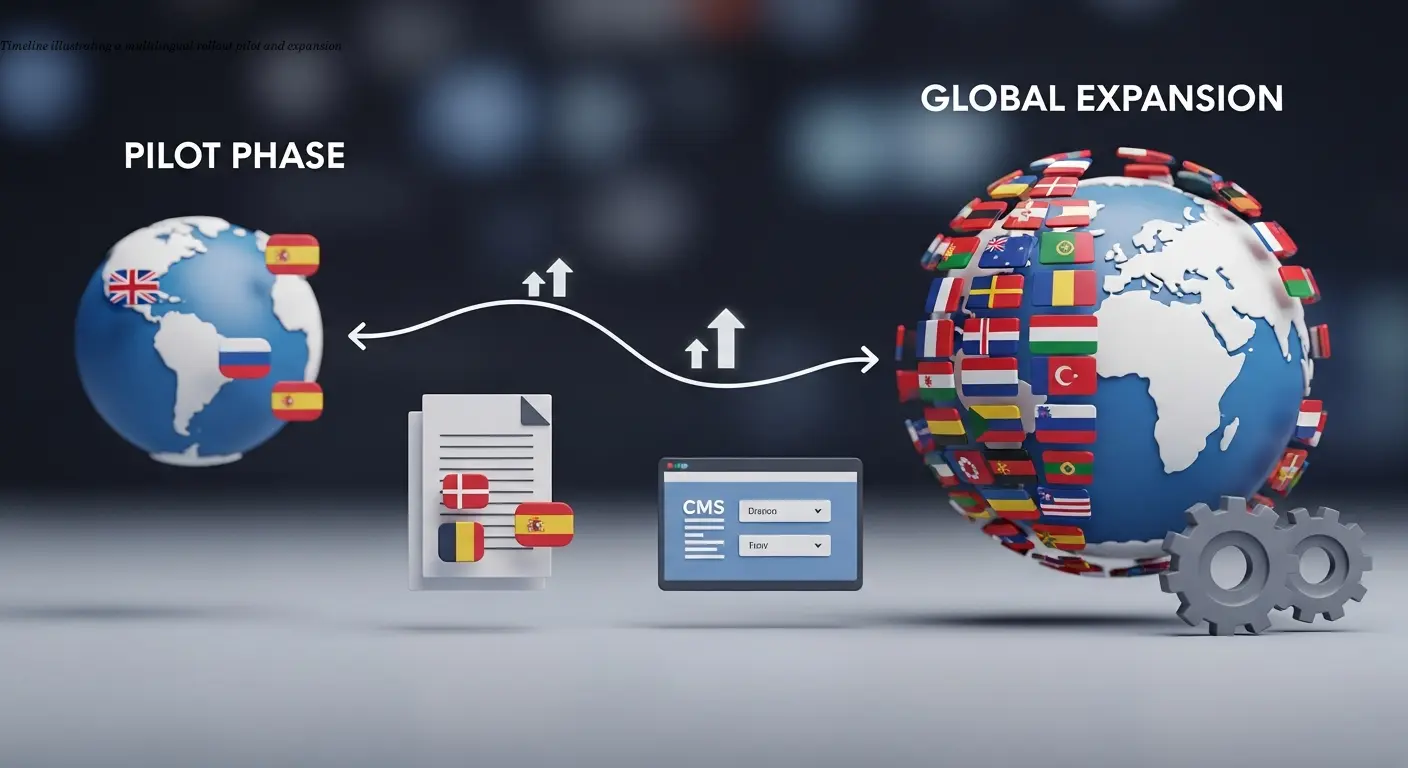
Implementation challenges are often organizational rather than technical. Change management — training editors, adapting translators to new interfaces, and aligning marketing timelines — is crucial for success.
Change management
Invest in training and clear documentation. Without user adoption, even the best technical solution can fail to deliver results.
Pilot programs
Start small: pilot one or two languages to refine workflows. Pick languages that surface different challenges, then iterate before scaling.
Documentation and metrics
Localize documentation as needed and track metrics like translation turnaround, content parity, quality scores, and engagement to identify bottlenecks and improvements.
Plan periodic reviews of tools and vendor relationships to maintain flexibility and negotiate better terms as your program grows.
FAQ
What is multilingual content management?
Multilingual content management is the process of creating, organizing, storing, and maintaining digital content across multiple languages. It involves coordinating translations, ensuring consistency between language versions, and providing appropriate content to users based on their locale or language preference.
How do you compare translations across different languages?
Translation comparison typically happens through side-by-side interfaces in your CMS or translation management system. These tools display source and target language content simultaneously, highlight differences, track changes over time, and flag content that's out of sync. Version control systems maintain history so you can see how translations evolved.
Which CMS platform is best for multilingual websites?
The "best" platform depends on your specific needs. WordPress offers the most flexibility and ease of use through plugins. Drupal provides powerful built-in multilingual capabilities for complex projects. Headless systems like Contentful work well for organizations with strong technical teams. Enterprise platforms like Adobe Experience Manager suit large organizations with advanced requirements and bigger budgets.
Can machine translation replace human translators?
Machine translation works reasonably well for certain content types like technical documentation, but it can't fully replace human translators for marketing content, brand messaging, or anything requiring cultural adaptation. The best approach combines machine translation for efficiency with human review for quality and cultural appropriateness.
How do you maintain content consistency across multiple languages?
Maintain consistency through change tracking systems that flag when source content updates, translation memory that ensures consistent terminology, workflow automation that routes changes to translators, and regular comparison audits to identify drift between language versions. Style guides and glossaries help maintain consistent voice across all translations.
What are localization tools and how do they integrate with CMS platforms?
Localization tools are specialized software that manage translation workflows, provide translation memory, enable collaboration between translators, and automate content synchronization. They integrate with CMS platforms through APIs, plugins, or native connections to import content for translation and export completed translations back to the CMS automatically.
How much does multilingual content management cost?
Costs vary enormously based on platform choice, content volume, and number of languages. WordPress with plugins can start at minimal cost for small sites, while enterprise platforms charge tens of thousands annually in licensing fees alone. Translation costs depend on whether you use machine translation (cheap but lower quality), human translators (more expensive but better quality), or a hybrid approach.
What is the difference between translation and localization?
Translation converts text from one language to another while maintaining meaning. Localization goes further by adapting content for cultural context, including formats (dates, currencies), cultural references, imagery, and messaging that resonates with local audiences. Good localization makes content feel native to each market rather than obviously translated.
Related Articles
Building an Autonomous AI News Agent with n8n & Bright Data (Part 1)
Learn how to build an autonomous AI-powered news scraper using n8n and Bright Data. Part 1 covers the Ingestion Engine architecture for 24/7 market monitoring.
Practical content migration guide for CMS comparison
Practical content migration advice to compare old and new CMS, validate data integrity, and avoid SEO loss. Best practices for developers and content teams.

Collaborative Writing Guide to Comparing Team Contributions
Compare team contributions with collaborative writing tools, clear roles, and peer assessment—practical tactics content teams can apply now.