Legal Document Comparison Practical Guide for Legal Teams
Legal Document Comparison: Track Changes in Contracts and Agreements
Estimated reading time: 9 minutes
Key takeaways
- Legal document comparison is essential for identifying changes between contract versions and preventing costly oversights.
- Automated comparison tools like Draftable Legal and Litera Compare save hours compared to manual review.
- Track changes and redlining create audit trails that document who made edits and when.
- Modern tools support multiple file types including Word, PDF, Excel, and scanned documents via OCR.
- AI-powered analysis now offers clause detection and risk-flagging beyond basic text comparison.
Table of contents
- Why Legal Document Comparison Matters in Contract Work
- Manual Review vs Automated Document Comparison Tools
- Track Changes and Redlining in Contract Negotiations
- Top Legal Document Comparison Software Options
- How Document Comparison Creates Better Audit Trails
- Contract Review Workflows Using Comparison Tools
- Common Pitfalls and Best Practices for Document Comparison
- The Future: AI-Powered Legal Document Analysis
- Frequently Asked Questions
Why Legal Document Comparison Matters in Contract Work

I've seen it happen more times than I care to admit — a senior partner misses a critical change because they reviewed contracts side-by-side too quickly. Legal document comparison isn't just about typos or formatting differences; it's about protecting clients from exposure they didn't agree to and maintaining professional standards.
Contracts go through multiple revisions and a tiny change — for example, from "may" to "shall" — can shift an optional term into a binding obligation. When negotiating mergers, leases, or employment agreements, missing such edits can lead to disputes, litigation, or substantial financial loss.
Why it's critical:
- Collaborative drafting involves opposing counsel, clients, and multiple attorneys — tracking changes manually becomes impractical.
- Human reviewers can miss character-level differences across long documents.
- Automated comparison balances speed and accuracy and is effectively malpractice prevention packaged as productivity software.
Manual Review vs Automated Document Comparison Tools
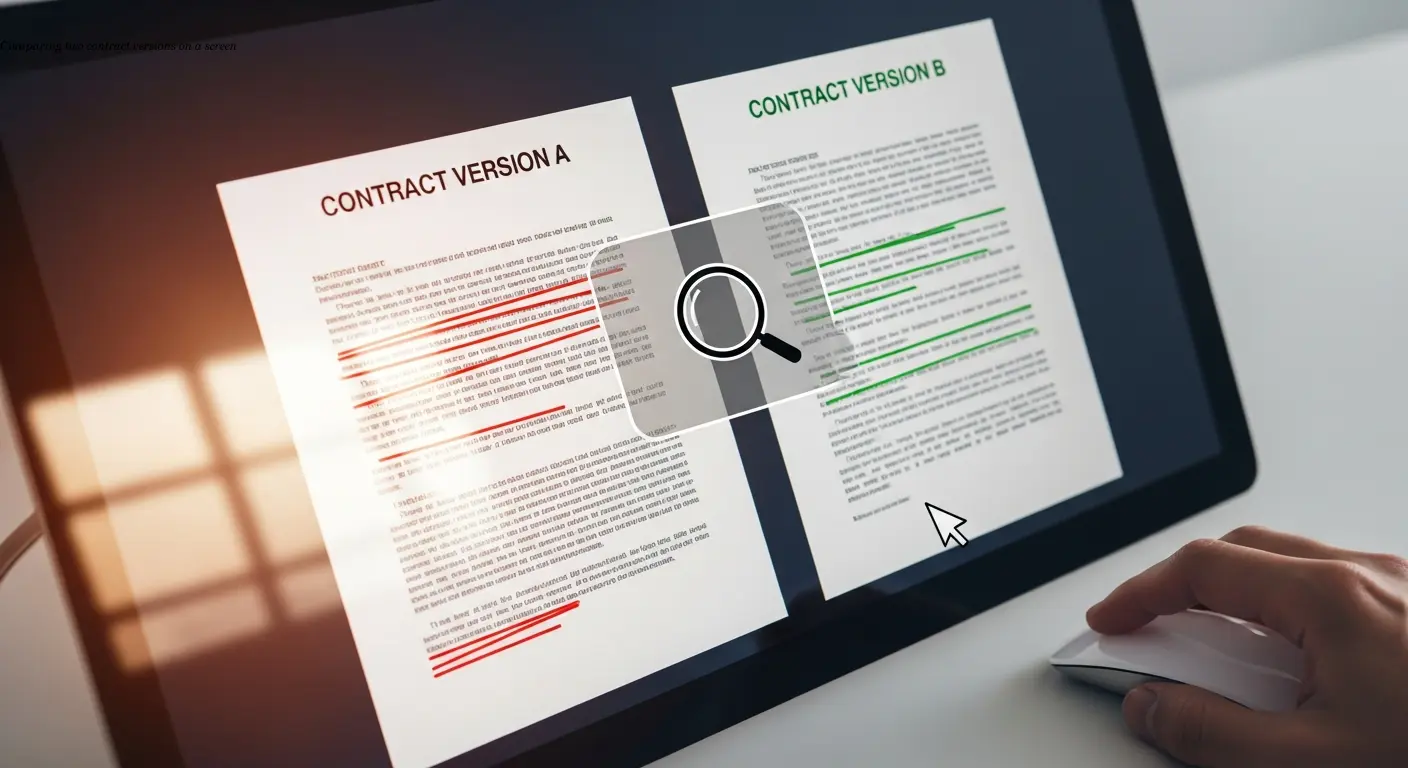
Manual comparison is tedious, error-prone, and a poor use of billable hours. Side-by-side Word review or printed copies lead to missed subtle but material changes. Automated comparison software analyzes documents at the character level and highlights every difference.
Practical advantages of automation:
- Character-level accuracy and alignment even when paragraphs move or are renumbered.
- Time savings: what takes 30–45 minutes manually can often be done in 5–10 minutes with software.
- Support for multiple file formats — Word, PDF, Excel, PowerPoint, and even scanned documents via OCR — avoids risky conversions.
Tools don't tire or lose focus; they consistently surface changes that humans are likely to miss, allowing firms to take on more work and reduce review costs.
Track Changes and Redlining in Contract Negotiations
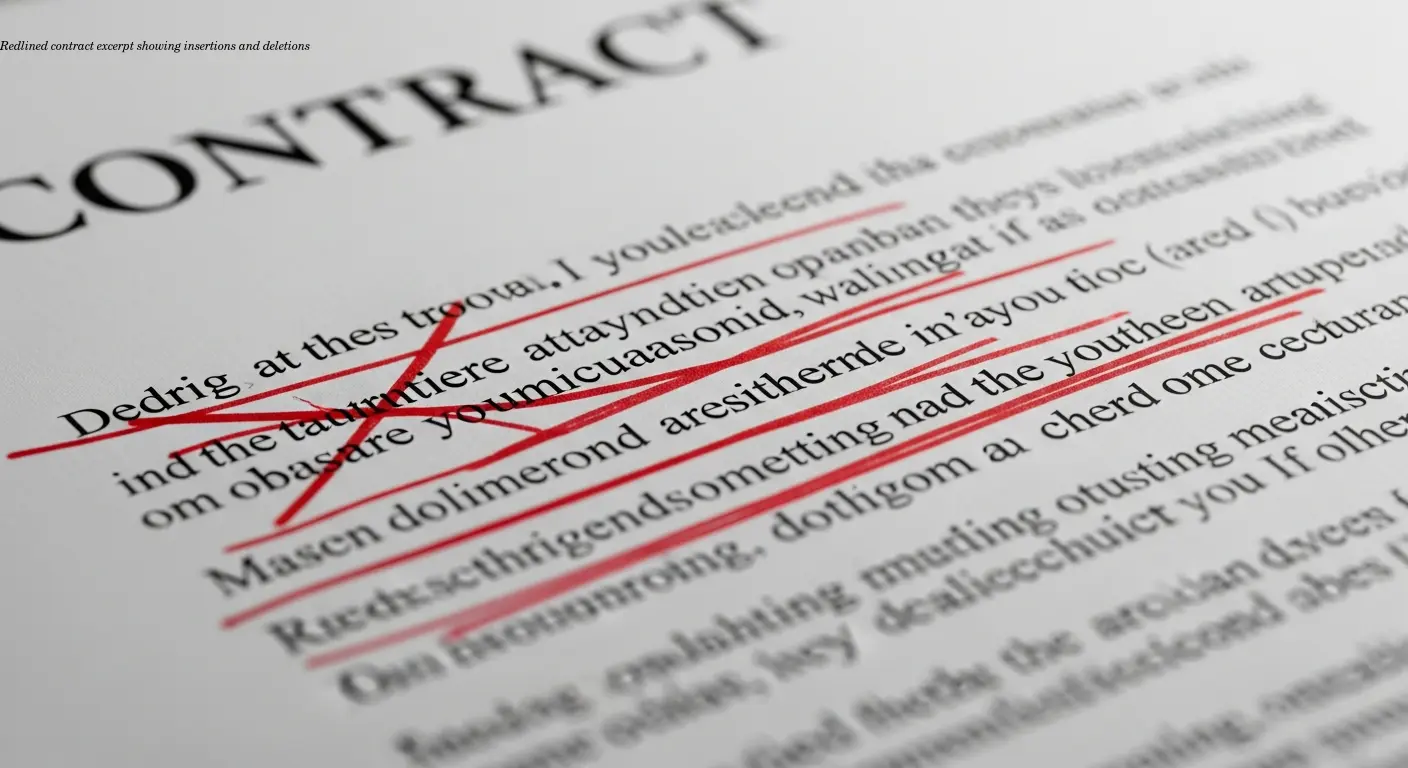
Track changes and redlines are the language of negotiation — visual records that show each insertion, deletion, the editor, and the timestamp. This transparency reduces misunderstandings and creates a reconstruction trail when disputes arise.
Tools and etiquette:
- Microsoft Word's Track Changes is familiar and widely used, but it can struggle with complex documents and PDFs.
- Advanced platforms like Litera Compare integrate with document management systems and can generate comparison reports and summaries.
- Establish clear redlining protocols with opposing counsel (e.g., whether internal edits are accepted before sending) to avoid confusion.
Top Legal Document Comparison Software Options
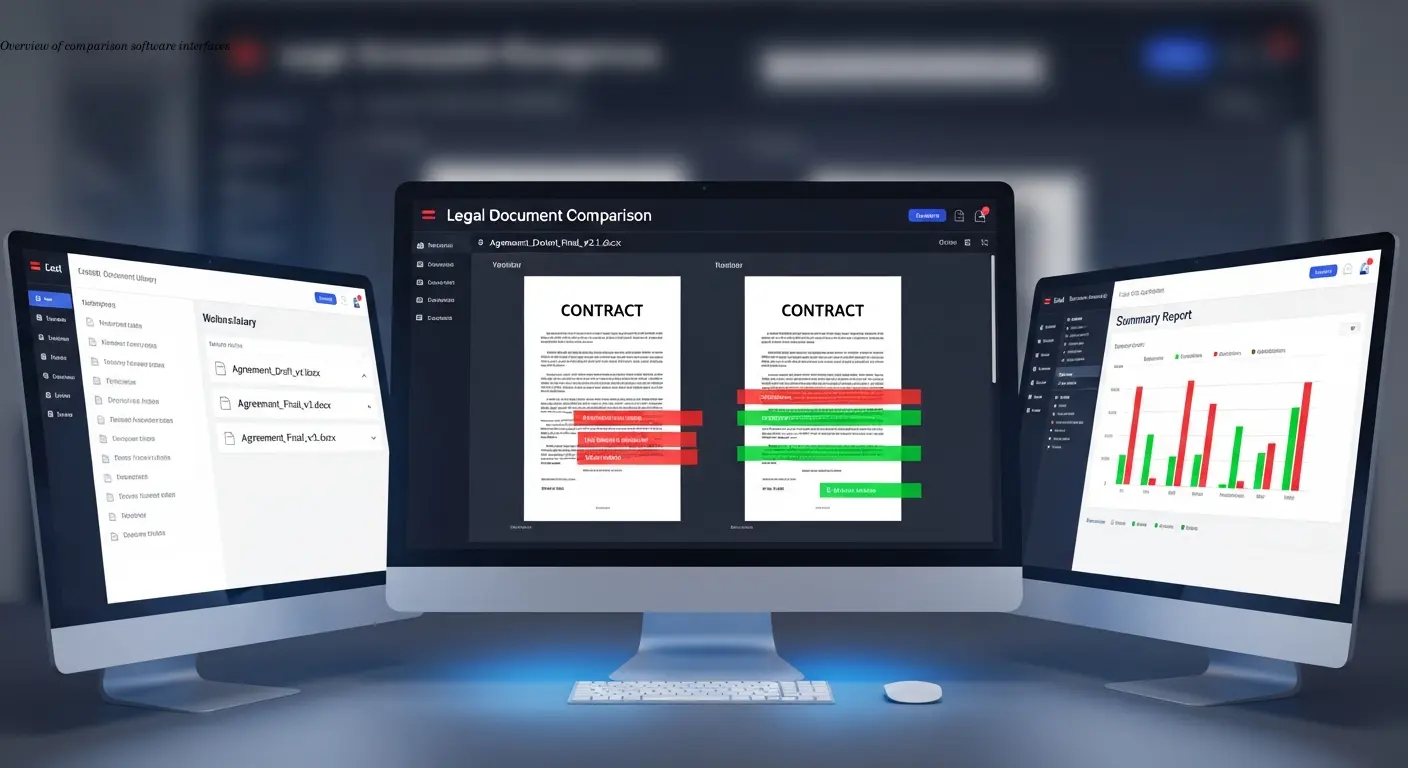
Draftable Legal — simple, accurate, supports Word, PDF, PowerPoint, and Excel. Its alignment algorithm reduces false positives when text moves.
Litera Compare — an established enterprise option that integrates with iManage and NetDocuments, ideal for high-volume firm workflows.
Foxit PDF Editor+ — strong for firms that rely heavily on PDFs and need audit trails for executed documents.
AI-enhanced tools (Clause detection and risk analysis) — platforms that identify clause types, flag unusual language, and assess risk. These are maturing quickly and are especially useful for high-volume or due diligence work.
How Document Comparison Creates Better Audit Trails
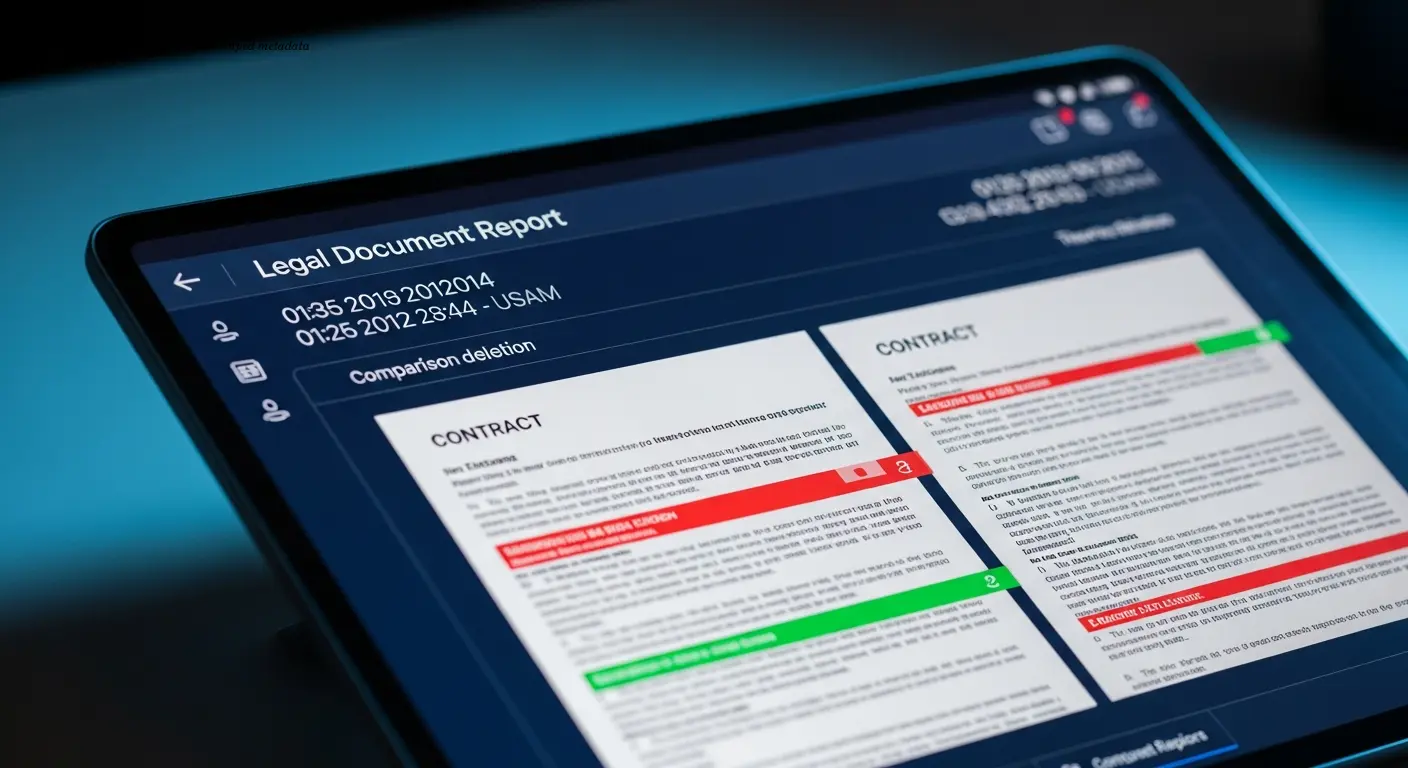
Audit trails are evidence of due diligence. Comparison reports timestamp changes, record who ran the comparison, and show which versions were compared. This metadata can be critical in disputes and compliance settings.
Version control matters: a proper system—rather than file names like "FINAL_FINAL"—lets you see what changed between any two versions, who approved edits, and when decisions were made. Save comparison reports as PDFs and file them with the executed contract for long-term clarity.
Contract Review Workflows Using Comparison Tools
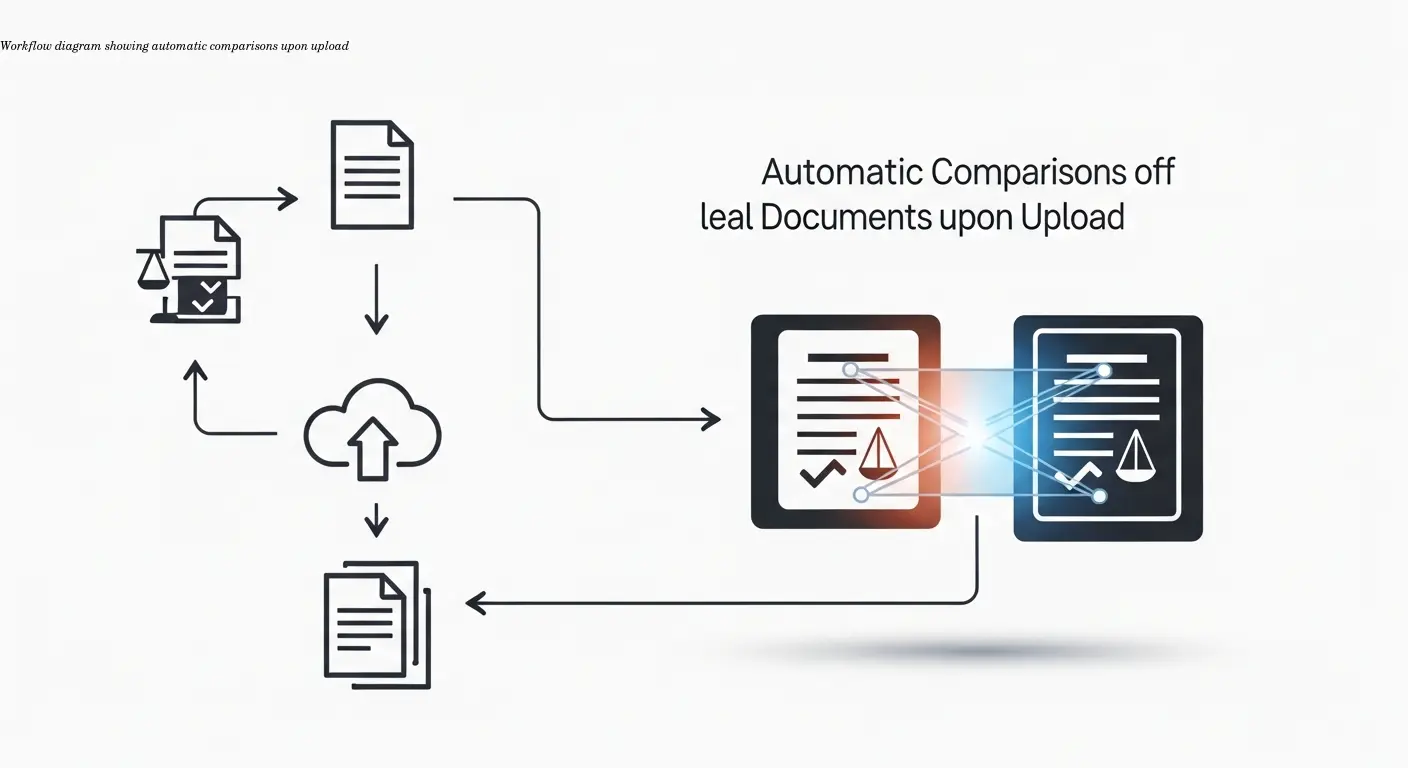
Integrate comparison early: compare each incoming version against your last draft before any attorney reviews it. This gives reviewers a pre-marked document and focuses attention on actual changes.
Workflow tips:
- Use paralegals to run initial comparisons and flag significant differences for attorneys.
- Automate comparisons on upload so they don't get skipped under time pressure.
- Route flagged changes to subject-matter experts based on clause type (IP, indemnities, etc.).
Common Pitfalls and Best Practices for Document Comparison

Common mistakes:
- Trusting comparison tools blindly — always sanity-check results, especially when formatting differs.
- Confusing accepted/rejected changes views — verify the actual content you're reviewing.
- Poor file naming and version control — use consistent naming like ClientName_ContractType_YYYYMMDD_v#.
Best practices include saving comparison reports as PDFs with the matter file, setting exchange protocols with opposing counsel, and training staff on tool limitations.
The Future: AI-Powered Legal Document Analysis
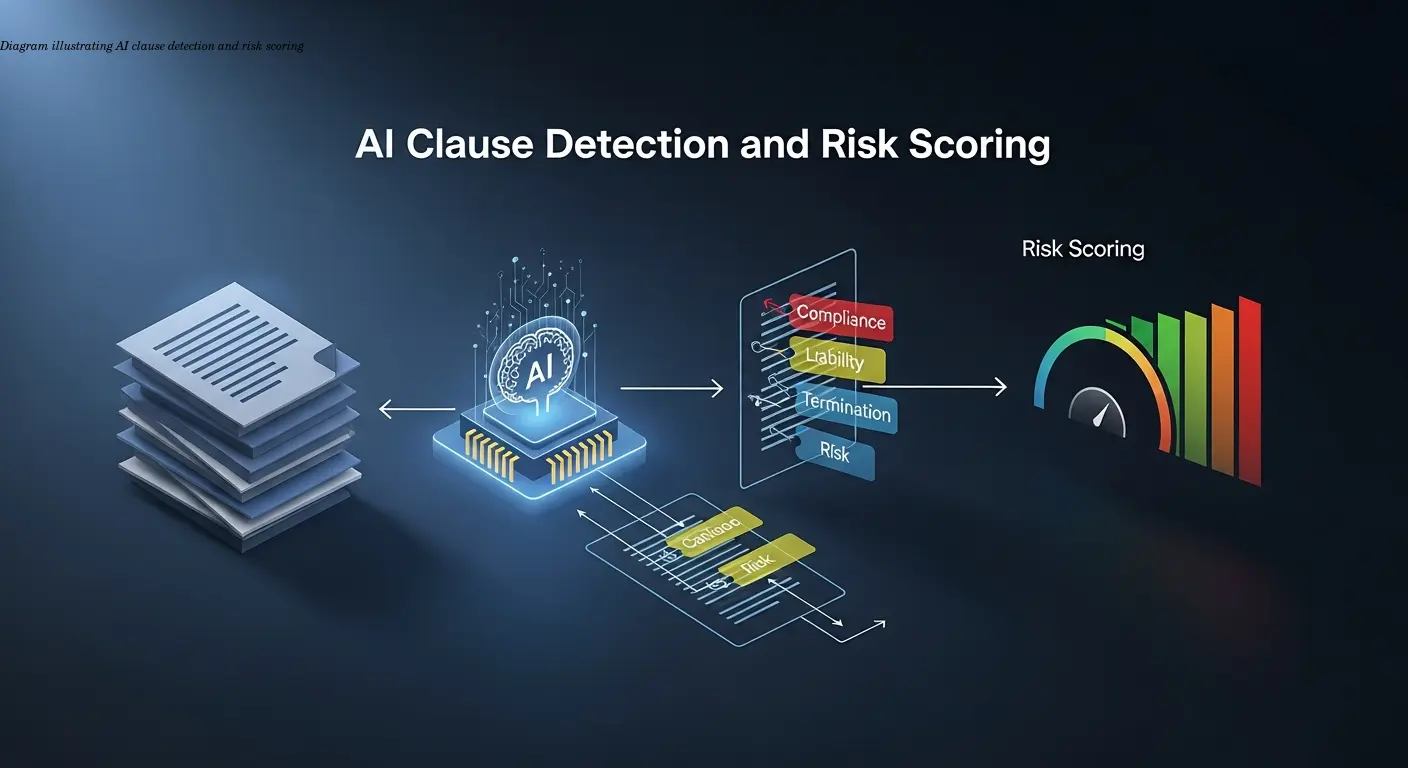
AI is evolving document comparison from text matching to intelligent analysis. Modern tools can:
- Automatically identify clause types (indemnities, governing law, limits on liability).
- Flag material semantic changes even when few words are altered.
- Enable risk-based review for high-volume contract sets.
AI is a powerful supplement for due diligence and large-scale reviews, but treat AI flags as suggestions that require human verification, particularly for high-stakes contracts.
Frequently Asked Questions
What is legal document comparison?
Legal document comparison is the process of analyzing two or more versions of a contract or agreement to identify all differences between them, including insertions, deletions, and modifications. This ensures that attorneys understand exactly what changed between drafts and can assess whether those changes are acceptable.
Why can't I just use Microsoft Word's compare feature?
You can use Word's built-in compare function for basic contract comparison, and many lawyers do. But dedicated legal comparison software like Draftable Legal or Litera Compare offers better accuracy, handles more file types (including PDFs), provides clearer visualizations, and integrates with law firm document management systems for improved workflow.
How much time does comparison software actually save?
Most firms report that automated comparison reduces review time by 70-85% compared to manual side-by-side review. A contract that might take 30-45 minutes to review manually can typically be compared in 5-10 minutes using software, with better accuracy. The time savings multiply when you're handling multiple contract versions or high volumes of agreements.
What's the difference between redlining and track changes?
These terms are often used interchangeably in legal practice. Both refer to marking up a document to show proposed changes, with insertions and deletions clearly visible. "Track changes" usually refers to the Microsoft Word feature, while "redlining" is the broader concept of showing edits visually, which can be done through various software tools.
Can comparison software work with scanned PDF contracts?
Yes, advanced comparison tools like Foxit PDF Editor+ and Draftable Legal can compare scanned PDFs using optical character recognition (OCR) technology. The accuracy depends on the scan quality, but modern OCR is quite good. For best results, you'll want clear, high-resolution scans rather than faded or skewed copies.
How do I choose the right comparison tool for my firm?
Consider your typical file types (Word, PDF, or mixed), your volume of contract work, your budget, and whether you need integration with existing document management systems. Many tools offer free trials, so test a few with your actual contract documents to see which interface and features work best for your team's workflow.
Is document comparison software secure for confidential contracts?
Reputable legal comparison tools are designed with client confidentiality in mind and typically offer encryption, secure cloud storage, and compliance with legal industry security standards. Check whether the software stores documents on their servers or processes them locally, and review their security certifications before selecting a tool for sensitive matters.
What should I do if the comparison results look wrong?
First, verify you're comparing the correct document versions. Then check if the documents have significantly different formatting or have been converted between file types, which can confuse comparison algorithms. You might need to clean up formatting or try a different comparison tool. For critical contracts, supplement automated comparison with targeted manual review of key sections.
Related Articles
Building an Autonomous AI News Agent with n8n & Bright Data (Part 1)
Learn how to build an autonomous AI-powered news scraper using n8n and Bright Data. Part 1 covers the Ingestion Engine architecture for 24/7 market monitoring.
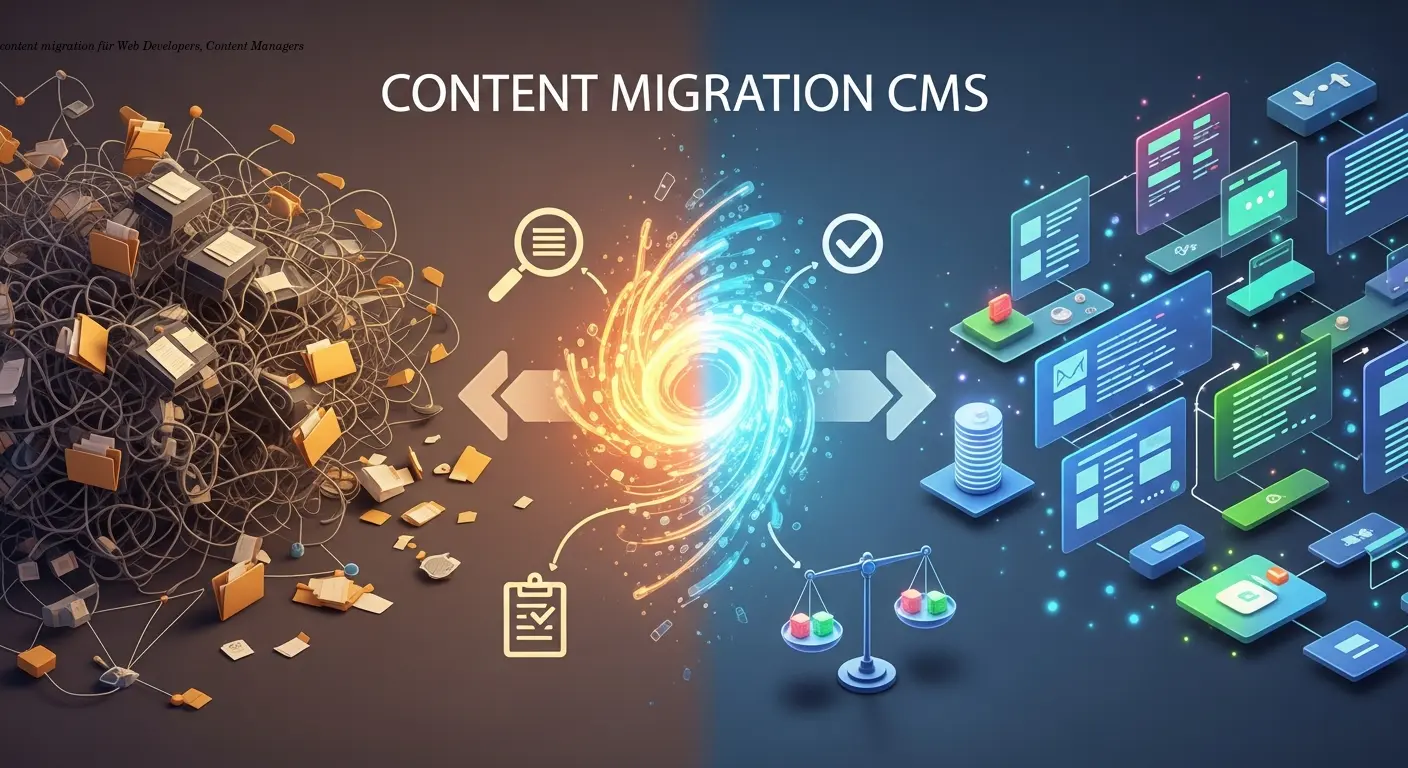
Practical content migration guide for CMS comparison
Practical content migration advice to compare old and new CMS, validate data integrity, and avoid SEO loss. Best practices for developers and content teams.

Collaborative Writing Guide to Comparing Team Contributions
Compare team contributions with collaborative writing tools, clear roles, and peer assessment—practical tactics content teams can apply now.