
Why Comparing Content Versions Matters for Your Strategy
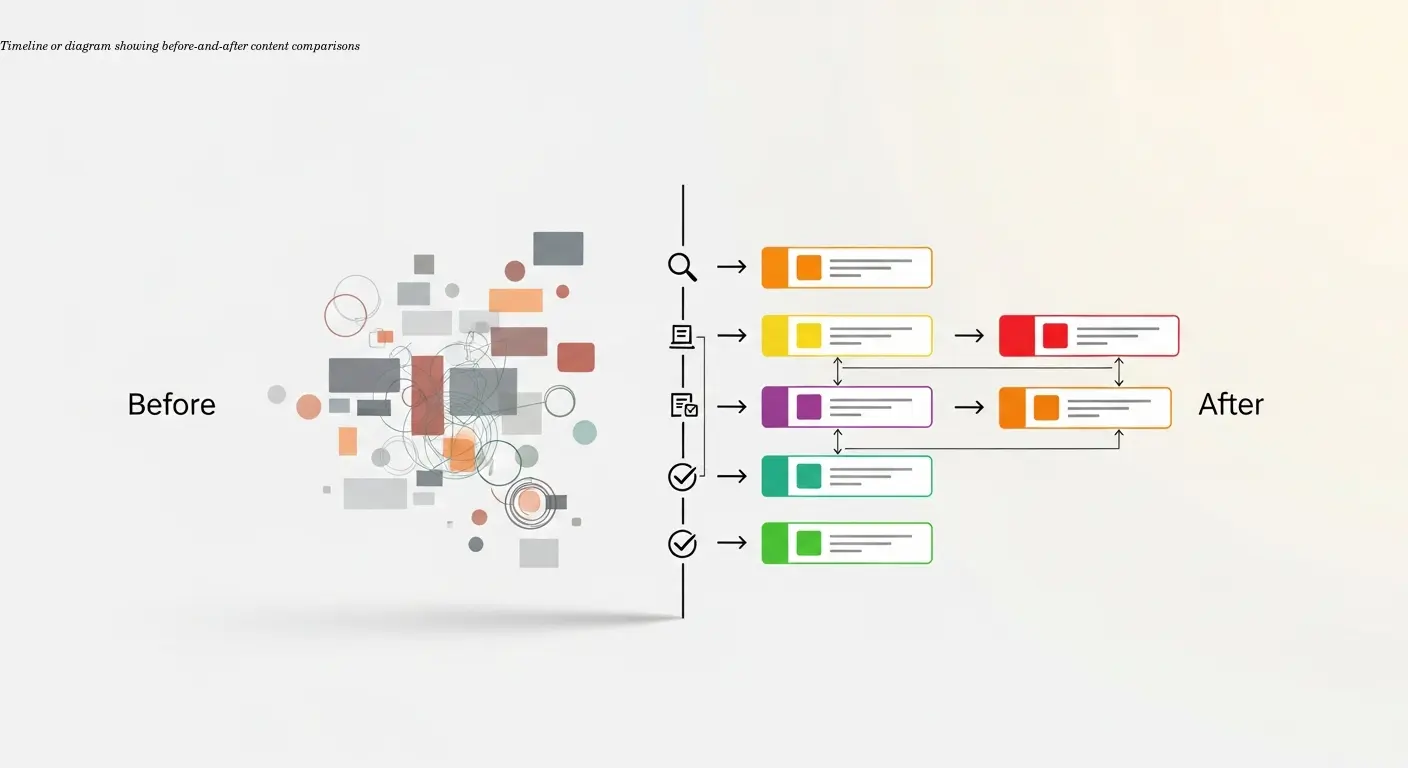
Most content strategists get caught up in producing new content and forget to verify whether updates actually move the needle. I learned this the hard way about three years ago when I refreshed a bunch of posts and later found half of them showed no traffic improvement. That's when a proper workflow for comparing versions became essential.
A content audit that compares old and new versions gives you concrete proof of what's working. You can verify whether adding new statistics improved rankings or whether a rewritten intro reduced bounce rates. This is about using data to make smarter decisions about where to invest time and budget.
"Without comparing versions systematically, you're basically flying blind."
Comparisons also make it far easier to justify refresh projects to stakeholders. Instead of vague SEO promises, you can present numbers like “this page got 47% more traffic after we updated it”. People respond to evidence, and version comparisons give you that evidence.
Building Your Content Inventory and Data Collection System
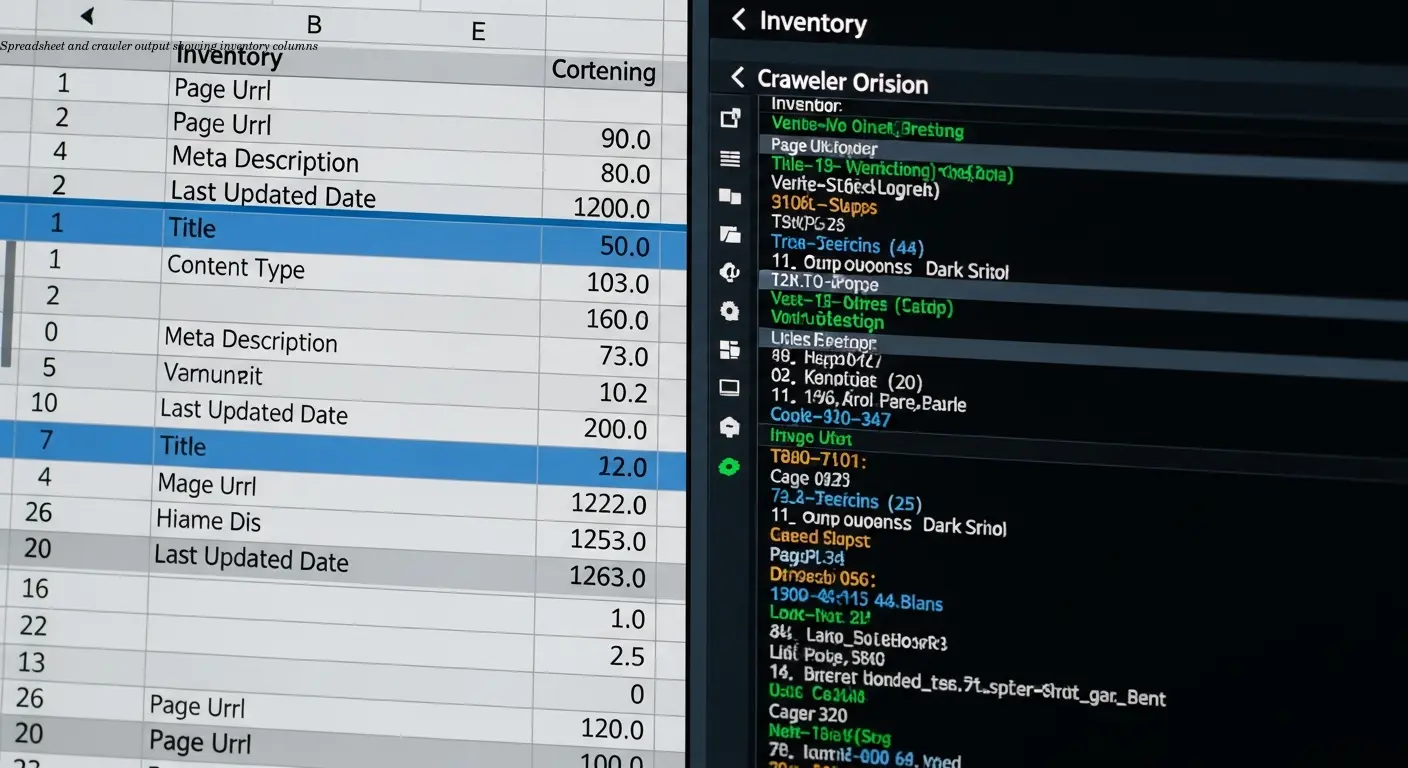
Before you compare anything, build a complete inventory. I start with a spreadsheet capturing:
- URL, page title, content type
- Original publish date and last updated date
- Content owner and version history
For small sites this can be manual. For larger sites use crawlers like Screaming Frog or Semrush to pull data quickly. Then layer in performance metrics from Google Analytics and Search Console: page views, time on page, bounce rate, conversions, and organic traffic.
I also add a version history column noting major updates and dates so I can match changes to performance shifts later. Messy inventories waste time—spend an extra day cleaning data to save weeks later.
Setting Clear Objectives and Comparison Criteria

You can't audit everything at once. Decide upfront what you're trying to achieve. Common goals include:
- Improving SEO rankings — compare keywords, backlinks, and visibility
- Boosting conversions — focus on CTA performance and form completions
- Raising engagement — evaluate time on page, scroll depth, and bounce rate
Start with high-value pages: top traffic drivers, conversion pages, or strategically important content. Set benchmarks so you know what "good" looks like (for example, average blog post = 500 views/month).
I recommend a scoring system for quality—rate accuracy, readability, visual appeal, and technical optimization—and compare scores before and after updates to ensure you truly improved the content.
How to Assess Old vs. New Content Versions Effectively

Put old and new versions side-by-side and evaluate changes across consistent criteria. I use a comparison table with columns for each version and rows for assessment points.
Update accuracy and currency
Check whether statistics and examples were actually refreshed. Changing the date without updating facts helps nobody.
Structural and readability changes
Look for better formatting: subheadings, bullet points, whitespace, and visual hierarchy. These often drive substantial engagement gains.
Keyword and technical checks
Compare targeted keywords, meta tags, alt text, and broken links. Use Search Console to see new queries and ranking changes. I use a checklist to avoid skipping technical elements during comparisons.
Performance delta is the final test: traffic, bounce rate, and time on page before vs. after. If there’s no improvement in at least some metrics, re-evaluate your changes.
Taking Action Based on Your Audit Findings

Once you identify what's working, act. Common actions:
- Update — quick refresh of stats, examples, and conclusions
- Rewrite — restructure or retone important underperforming pages
- Merge — consolidate similar posts into one authoritative resource
- Delete — prune low-value pages that consume crawl budget
Document every action in your inventory with dates so you can measure impact later—this feedback loop makes each audit smarter.
Integrating Audit Insights Into Your Broader Content Strategy

Use audit results to inform new content and maintenance priorities. If data visualizations perform better, invest in graphics. If shorter articles engage more, adjust length strategy. Audit patterns reveal content gaps and opportunities.
Share findings with writers and editors so the whole team benefits. Turn audits into a regular cadence—quarterly for key content and annual for comprehensive reviews—to keep content fresh and aligned with audience needs.
Monitoring and Measuring Post-Update Performance
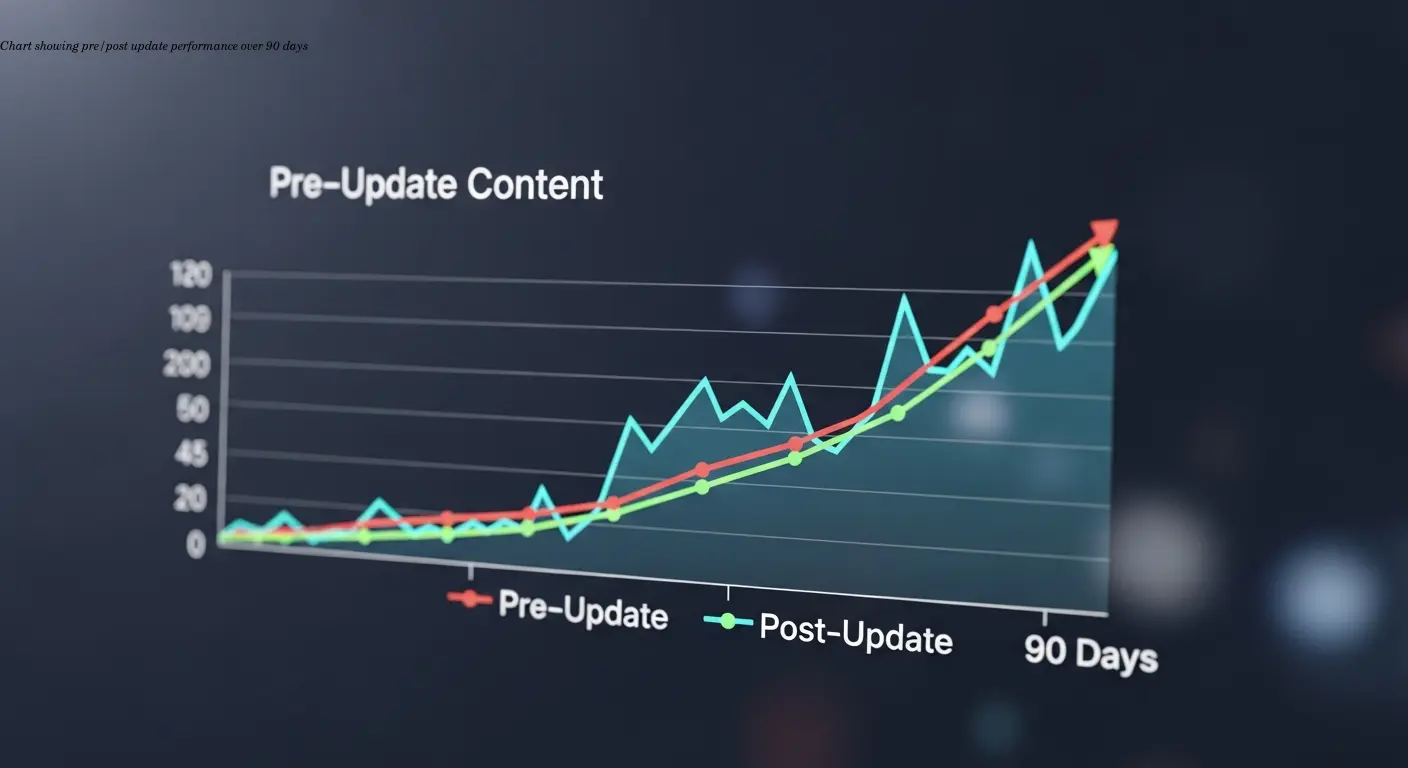
Track updated content at 30, 90, and 180 days. Use Google Analytics and Search Console to compare metrics, and complement quantitative data with heatmaps and session recordings for qualitative insights.
If updates don’t improve performance, dig into why. Automate monitoring with dashboards and alerts so you can spot drops quickly and iterate faster.
Tools and Resources That Actually Make This Work

You need tools to automate the boring parts: Screaming Frog or Semrush for crawling, Google Analytics and Search Console for performance, and a spreadsheet for comparison and documentation. Specialized platforms exist, but a well-structured spreadsheet often covers 90% of needs.
Remember: tools help, but human judgment determines whether updates truly serve users and business goals.