
Academic Text Comparison for Efficient Research Revisions
Academic Writing: Compare Research Paper Revisions Efficiently
Estimated reading time: 8 minutes
Key takeaways
- Compare structure first, then sentences: evaluate argument flow and organization before polishing grammar and style.
- Combine automation with manual review: use tools to flag changes, then apply human judgement to assess conceptual shifts.
- Maintain systematic version control: save and label multiple drafts to track evolution and recover lost ideas.
- Integrate peer feedback: use revision checklists and comparative annotations for rigorous improvements.
- Prioritize semantic understanding: surface matching is easy; identifying meaning changes delivers the deepest insights.
Table of contents
- Why Academic Text Comparison Matters for Research Quality
- Understanding Structural vs. Sentence-Level Comparison
- Tools and Methods for Efficient Document Comparison
- Integrating Comparison into Your Research Workflow
- Best Practices for Thesis Editing Through Comparison
- Challenges in Semantic vs. Surface-Level Analysis
- Collaborative Review and Feedback Integration
- FAQ
Why Academic Text Comparison Matters for Research Quality
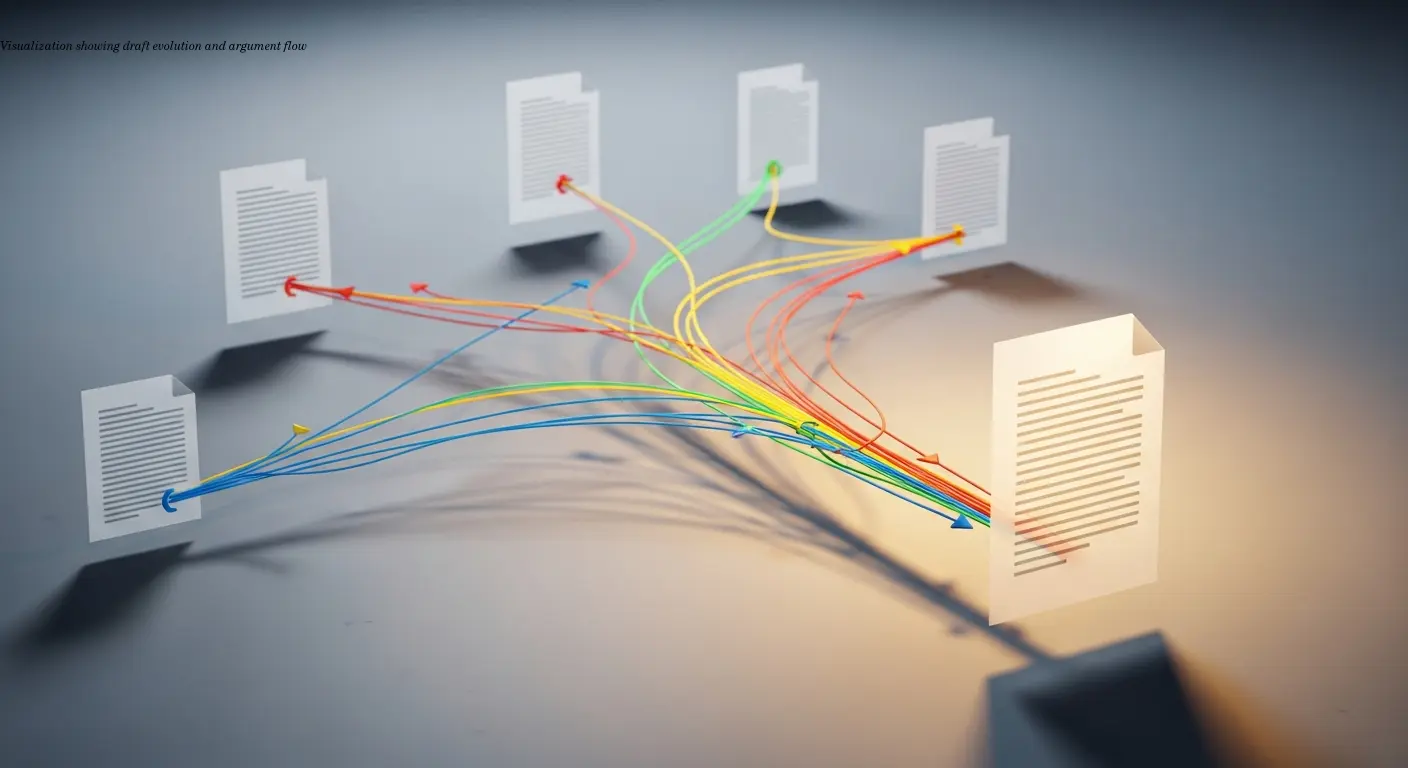
Academic text comparison isn't just about spotting typos between drafts—it's about understanding how your argument evolves and whether your revisions actually strengthen your work.
When you compare drafts systematically, you reveal patterns in your writing development that are otherwise invisible. Research shows that methodical comparison leads to more coherent final documents with fewer logical gaps, because writers can see how specific edits affect thesis clarity and argumentative structure.
"When you can see exactly how your introduction changed from version 3 to version 4, you can evaluate whether that change actually improved your thesis statement or just moved the problem somewhere else."
Comparison also preserves consistency across long documents—terminology, emphasis, and style choices remain aligned across chapters when you check versions regularly. In collaborative projects, tracking who changed what is critical to maintaining a unified analytical direction.
Understanding Structural vs. Sentence-Level Comparison
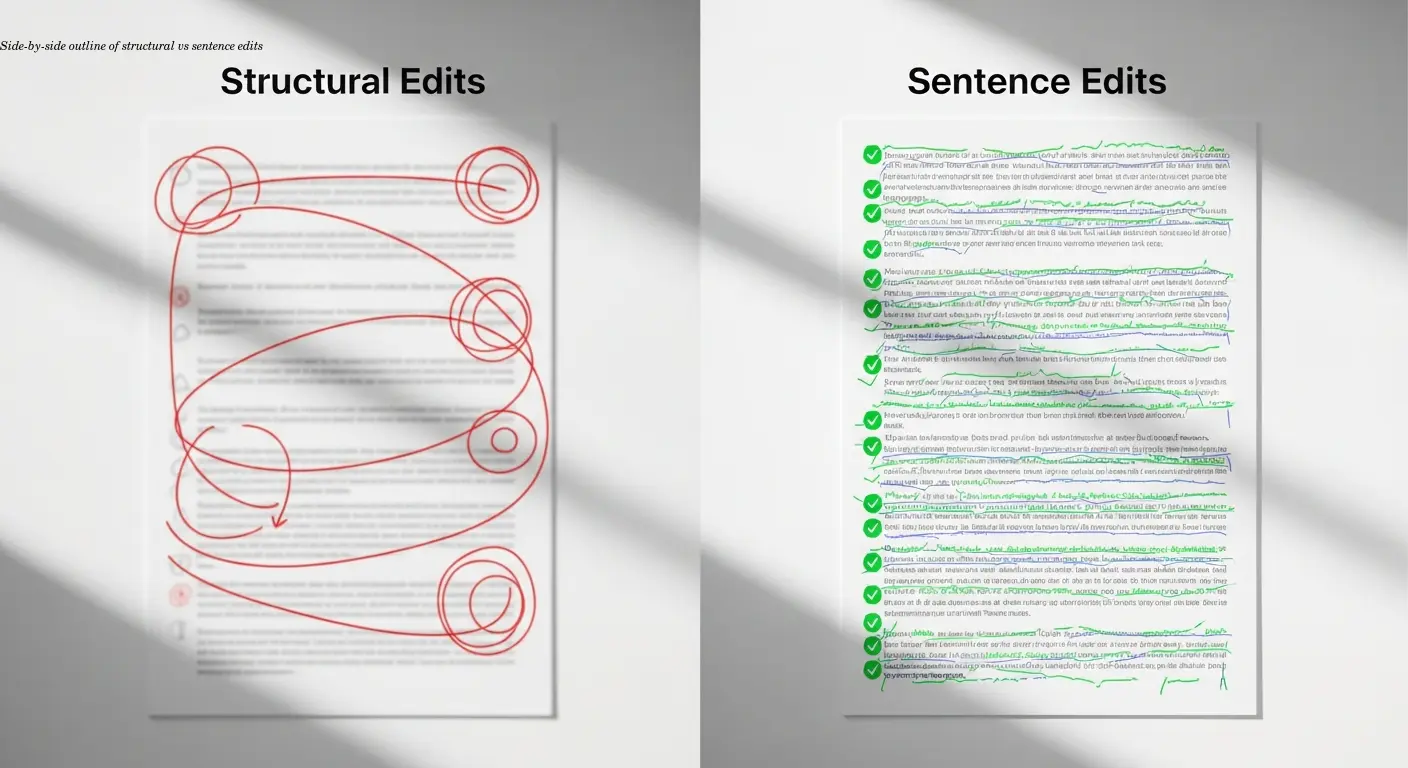
Start with structure. The most common editing mistake is jumping to grammar and punctuation before confirming that the big-picture organization improved. Structural comparison examines major sections—introduction, literature review, methodology, results, conclusion—and asks whether the argument flow is coherent.
Outlining drafts side-by-side reveals reorganizations that are easy to miss when simply reading a document. Sentence-level comparison—clarity, grammar, tone—matters for readability, but it should follow structural validation so you don't polish content that may later move or be removed.
Note: the levels overlap. A sentence edit can expose a structural issue if a paragraph no longer supports the main argument. Keep the priority clear: fix what you're saying before you perfect how you're saying it.
Tools and Methods for Efficient Document Comparison
Software accelerates comparison but doesn't eliminate human judgment. Familiar tools include Microsoft Word's Track Changes and Google Docs' version history, which mark insertions, deletions, and formatting changes and work well for collaboration.
More advanced diff utilities offer side-by-side comparisons and sometimes attempt semantic matching. These algorithms help find paraphrases or conceptual shifts, but they remain imperfect—semantic detection still requires human verification.
A practical workflow: let automation flag all changes, then manually evaluate them with targeted questions—Does this change strengthen my argument? Have I introduced inconsistencies? Annotation features are invaluable for documenting why you made significant edits so you won't accidentally revert improvements later.
Integrating Comparison into Your Research Workflow
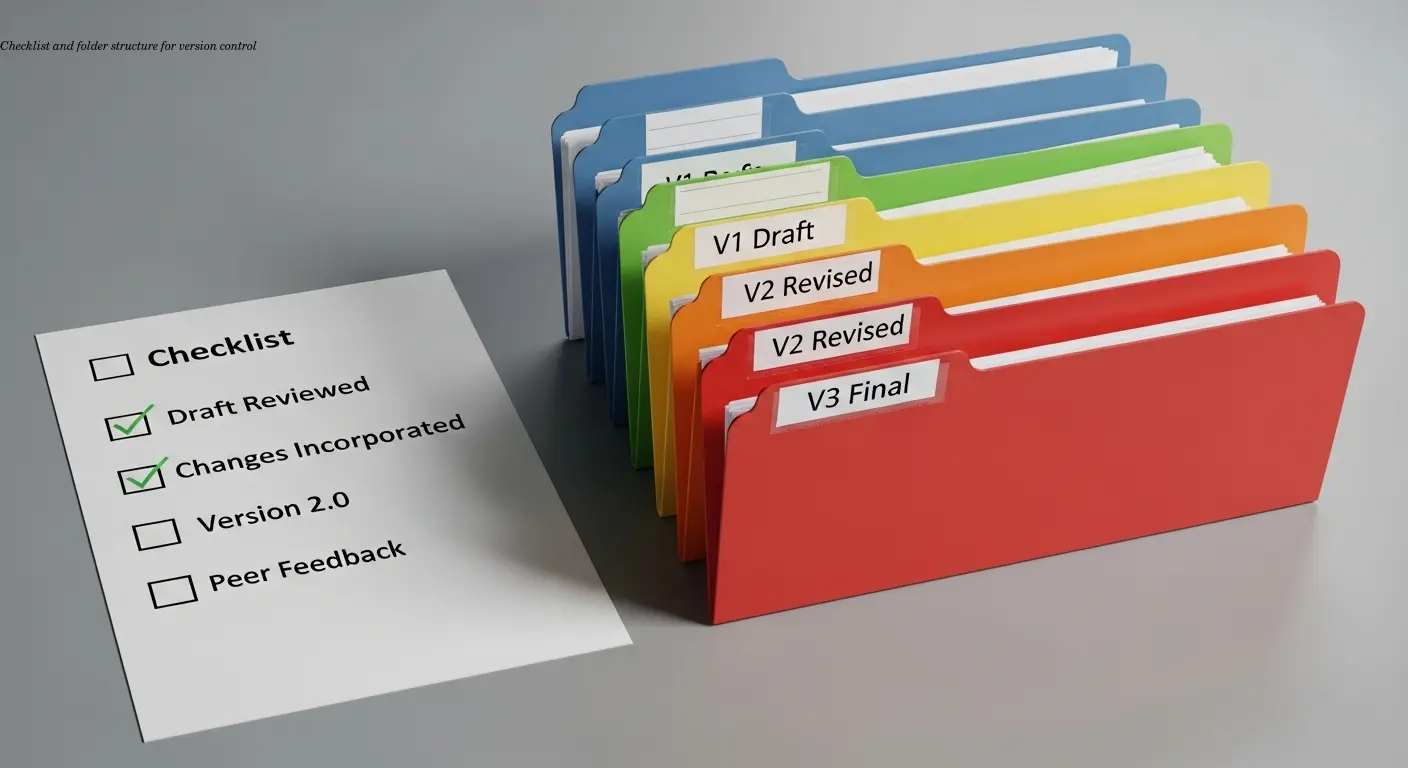
Treat comparison as an ongoing practice, not a one-time task. Use a clear naming convention—for example, Dissertation_Ch2_2024-01-15_v3.docx—and save complete drafts so you can analyze development with full context.
Schedule checkpoints (after a full draft, after peer feedback, after time away) to perform systematic comparisons. Use checklists or rubrics to track elements like thesis clarity, evidence strength, transitions, and citation accuracy. Quantitative metrics—source counts, paragraph lengths, terminology frequency—can reveal patterns that qualitative review might miss.
Best Practices for Thesis Editing Through Comparison
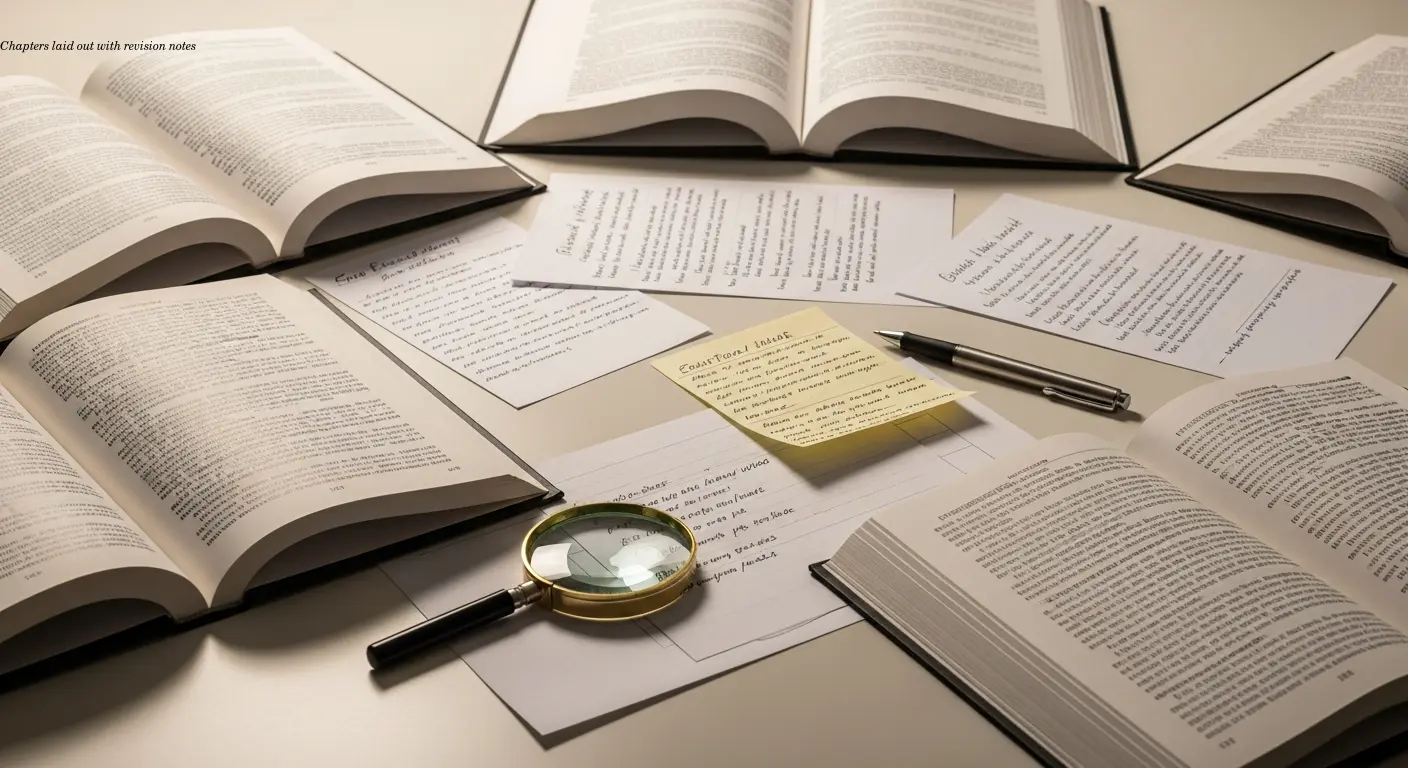
For long-form work, compare chapter-by-chapter and schedule periodic full-document reviews. Improving a single chapter can create disconnects elsewhere; full reviews ensure cohesion across the project.
Incorporate peer feedback systematically: create a version that specifically addresses reviewer comments and compare it to the pre-feedback draft to verify you resolved issues rather than moved them around. Comparing non-adjacent drafts—your current version against the initial draft—can also reveal lost ideas or shifts in core arguments.
Finally, don't neglect sentence-level passes after structural revisions. Thesis readers expect polished writing; comparison helps you recover early clear explanations that may have become muddied during later edits.
Challenges in Semantic vs. Surface-Level Analysis
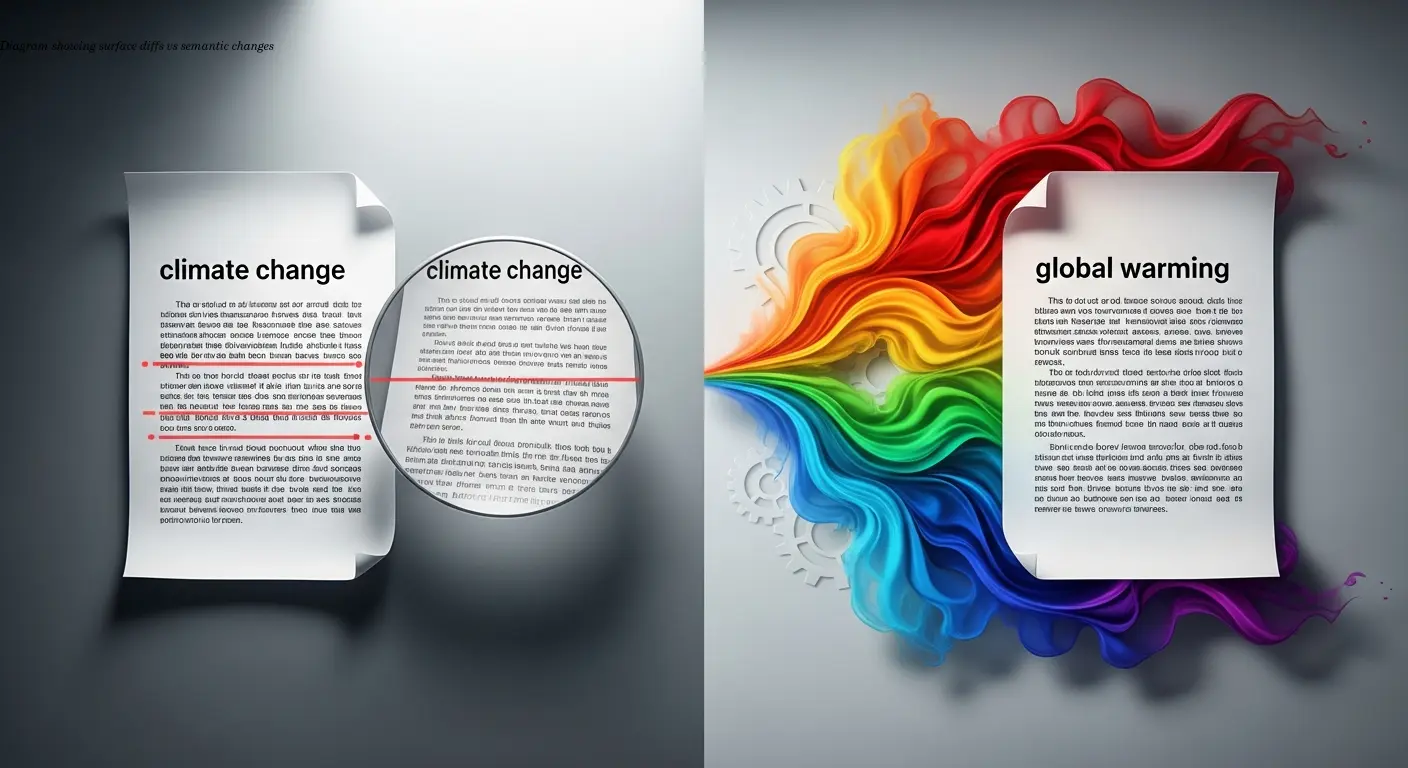
Surface-level comparison finds exact text changes—words added, deleted, rearranged—which is computationally straightforward. Semantic comparison tries to detect meaning changes even when wording differs. Current algorithms can approximate this but often miss nuance, so layered analysis is essential.
Use automated tools for the initial pass, then manually review flagged areas asking: Did my argument become clearer or weaker? Did I change theoretical framing? Semantic shifts are especially tricky in interdisciplinary work where terminology has different implications across fields.
Collaborative Review and Feedback Integration

Comparative annotation and structured peer review enhance revision quality. Give reviewers clear questions (e.g., Does section 3 support my argument?) and provide revision history so feedback targets substantive issues rather than suggesting fixes you've already tried.
A useful collaborative method is independent markup followed by a comparison of annotations: overlapping flags indicate serious problems; divergent comments reveal areas where your explanation may not communicate as intended. Stagger feedback—early on structure, later on clarity—to see how effectively you progress from rough ideas to polished scholarship.
FAQ
What's the difference between revising and editing in academic text comparison?
Revising focuses on big-picture elements—your argument structure, evidence quality, logical flow, and overall organization. Editing addresses sentence-level issues like grammar, word choice, and style. When comparing research paper drafts, you should evaluate revisions first (did your argument improve?) before worrying about editing (is every sentence polished?). This hierarchy prevents you from perfecting sentences that might get deleted during structural revision.
How many draft versions should I save and compare?
Save every significant version, not every tiny change. A useful rule is to create a new version whenever you complete a major revision session, receive feedback, or make substantial structural changes. For a typical research paper, you might have 5-8 saved drafts; for a thesis, potentially 15-20 chapter-level versions. The key is having enough versions to track your development without drowning in nearly-identical files.
Can automated text comparison tools replace manual review?
No, they complement it but can't replace it. Automated tools efficiently identify what text changed, which saves enormous time on initial comparison. But they can't evaluate whether changes strengthened your argument, maintained your analytical voice, or improved logical coherence. Use software for the mechanical work of flagging changes, then apply human judgement to assess whether those changes improved your academic writing.
What should I look for when comparing thesis drafts?
Start with argument progression: does your thesis statement remain consistent and well-supported throughout? Check organizational logic: do sections flow naturally and build on each other? Evaluate evidence integration: have you incorporated sources effectively and maintained proper citation? Then examine style consistency: is your academic tone steady across chapters? Finally, review sentence-level clarity and correctness. This order ensures you don't polish writing that might need structural revision.
How can I compare drafts if I didn't use track changes?
Many document comparison tools can analyze two separate files and generate a comparison even without built-in tracking. Microsoft Word has a "Compare" function under the Review tab that does this. Dedicated text comparison software can also process two documents and highlight differences. The comparison won't show the chronological order of changes like continuous tracking would, but it will identify what differs between versions.
Should I compare every paragraph or focus on sections with major changes?
For initial comparison, review the entire document systematically to avoid missing unexpected issues. Once you've done a complete pass, you can focus subsequent comparisons on sections where you made significant revisions or received critical feedback. Areas that remained stable probably need less intensive comparison, though a final complete review before submission catches those small inconsistencies that creep in during focused revision.
How do I know if my revisions actually improved my research paper?
Compare against specific criteria: Is your argument clearer and more persuasive? Does evidence more directly support your claims? Have you eliminated logical gaps or contradictions? Is the writing more concise and readable? Are transitions smoother? If you can point to concrete improvements in these areas, your revision succeeded. If changes just shuffled content without strengthening these elements, you may need a different revision approach.
What's the best way to organize multiple draft versions?
Use a consistent naming convention with dates and version numbers: "ProjectName_Date_v#.docx". Store drafts in a dedicated folder, possibly with subfolders for major milestones. Keep a separate revision log noting what changed in each version and why. Cloud storage with automatic version history (Google Docs, Dropbox, OneDrive) provides backup and easy access to earlier drafts. Never delete old versions until your project is completely finalized and submitted.
Related Articles
Building an Autonomous AI News Agent with n8n & Bright Data (Part 1)
Learn how to build an autonomous AI-powered news scraper using n8n and Bright Data. Part 1 covers the Ingestion Engine architecture for 24/7 market monitoring.
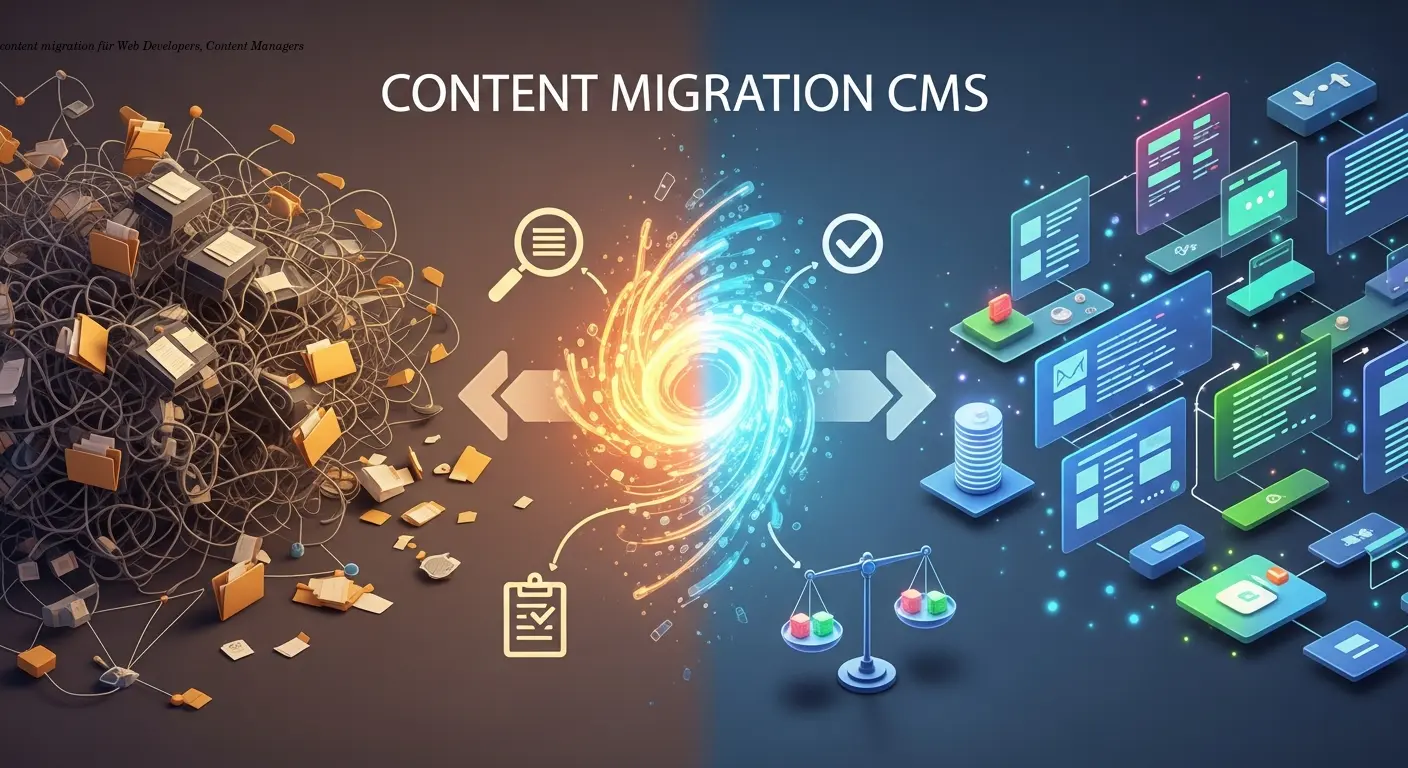
Practical content migration guide for CMS comparison
Practical content migration advice to compare old and new CMS, validate data integrity, and avoid SEO loss. Best practices for developers and content teams.

Collaborative Writing Guide to Comparing Team Contributions
Compare team contributions with collaborative writing tools, clear roles, and peer assessment—practical tactics content teams can apply now.